PC Gaming
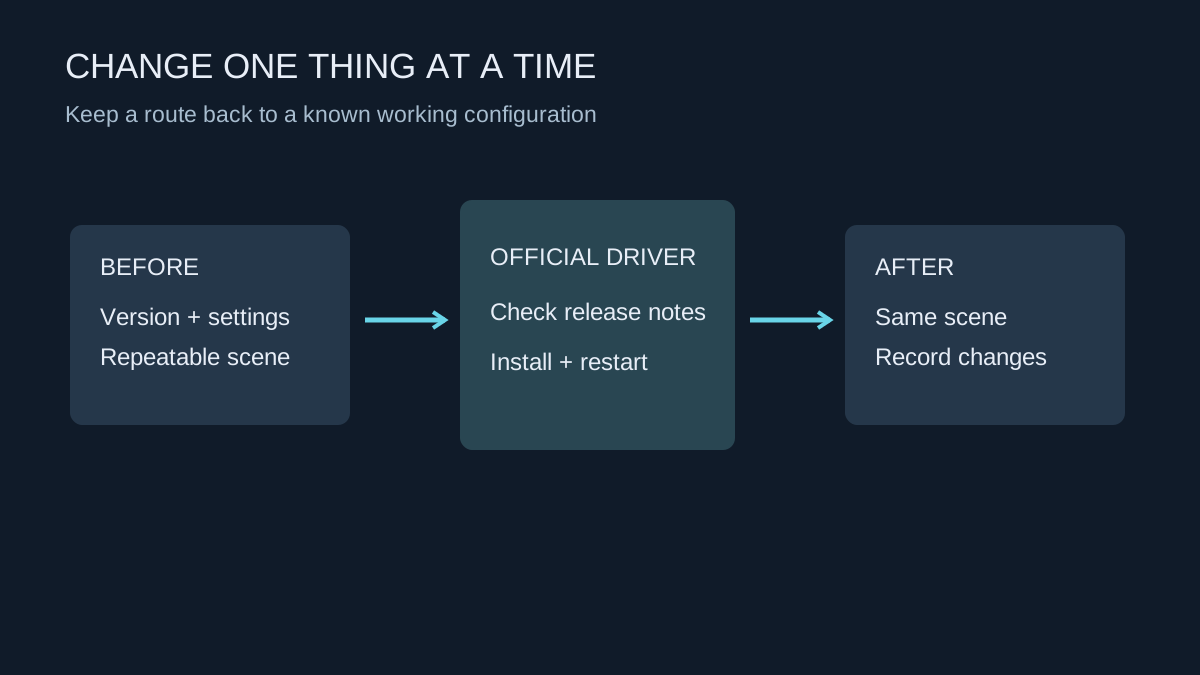
Planning a graphics-driver update
Record the working version, use the hardware maker’s download and leave enough time to test afterwards.
 K–9 GamingGEAR. SETTINGS. PLAY.
Equipment, settings and the games in between.
Explore a topic
Performance, storage, networking and troubleshooting.
Record the working version, use the hardware maker’s download and leave enough time to test afterwards.
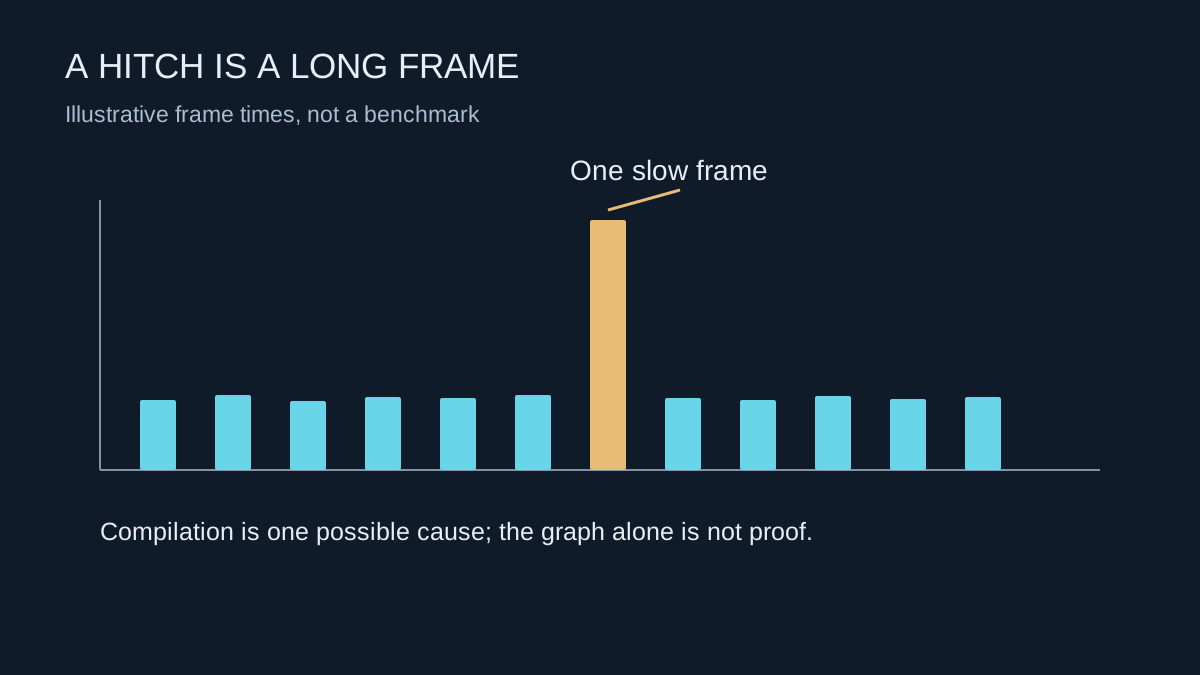
A sudden pause on first encountering an effect can have a different cause from consistently low performance.
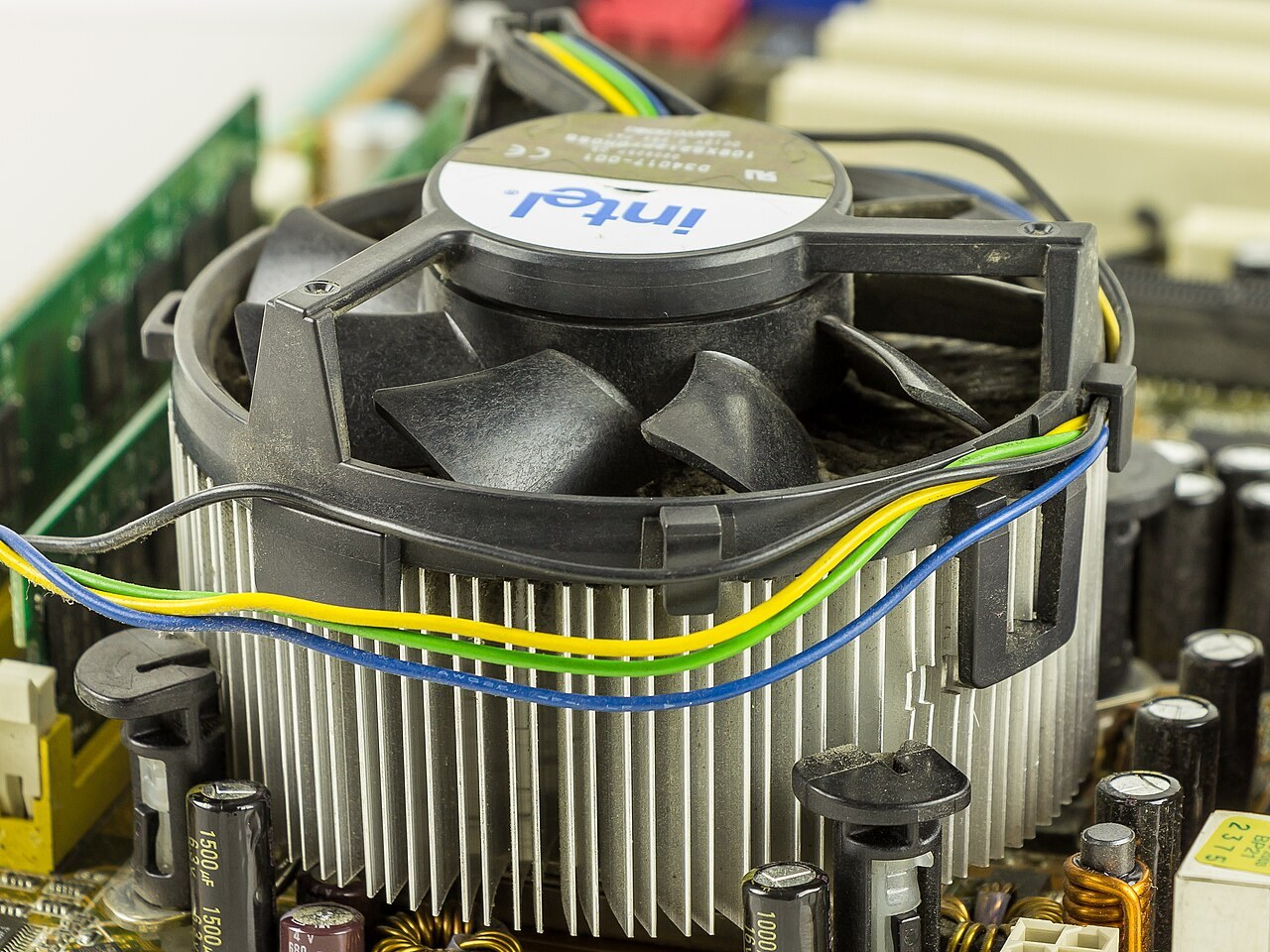
Compare temperatures, workload and the kind of noise before changing fan settings or buying a cooler.
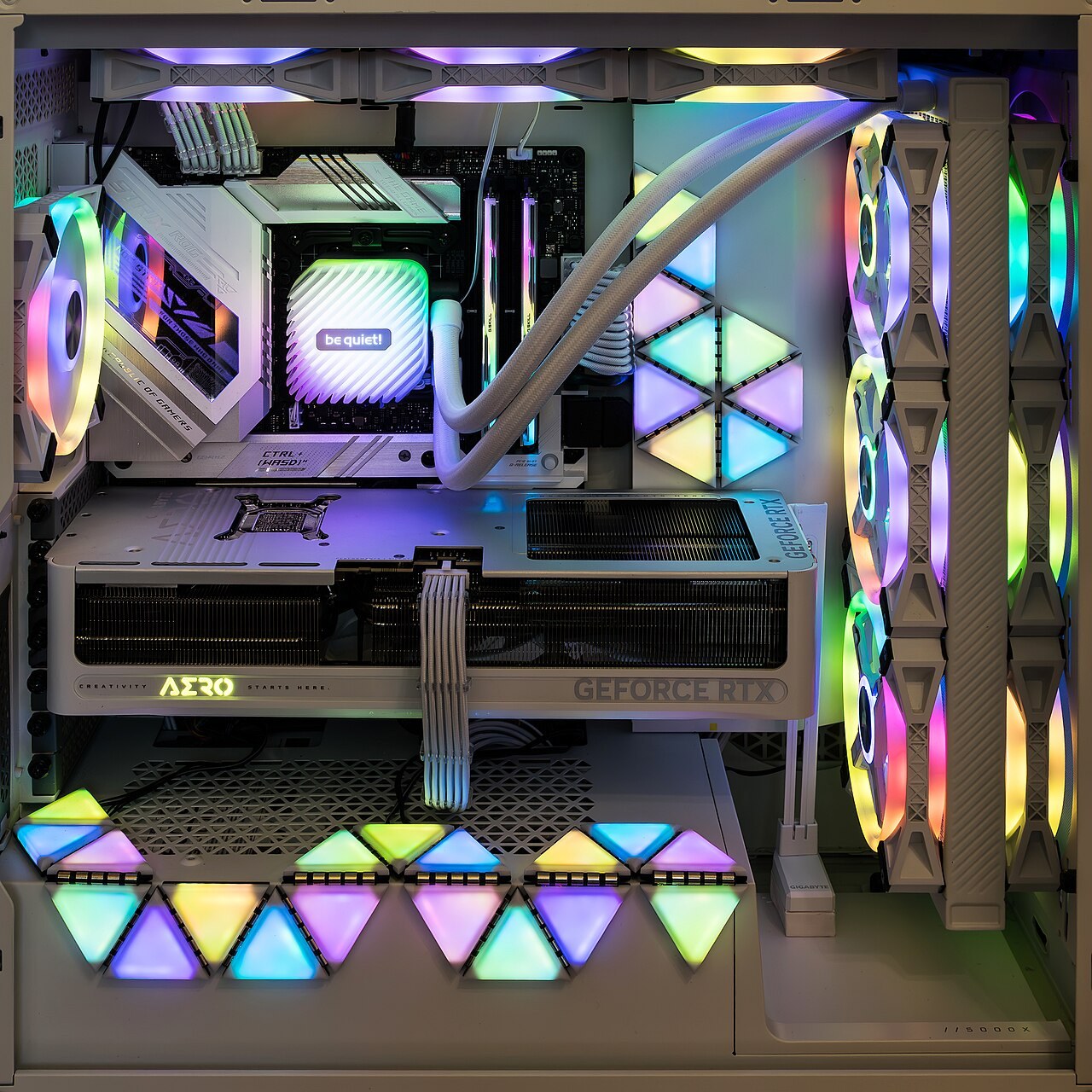
Follow the route air can actually take through the case, including filters, radiators and the space outside it.
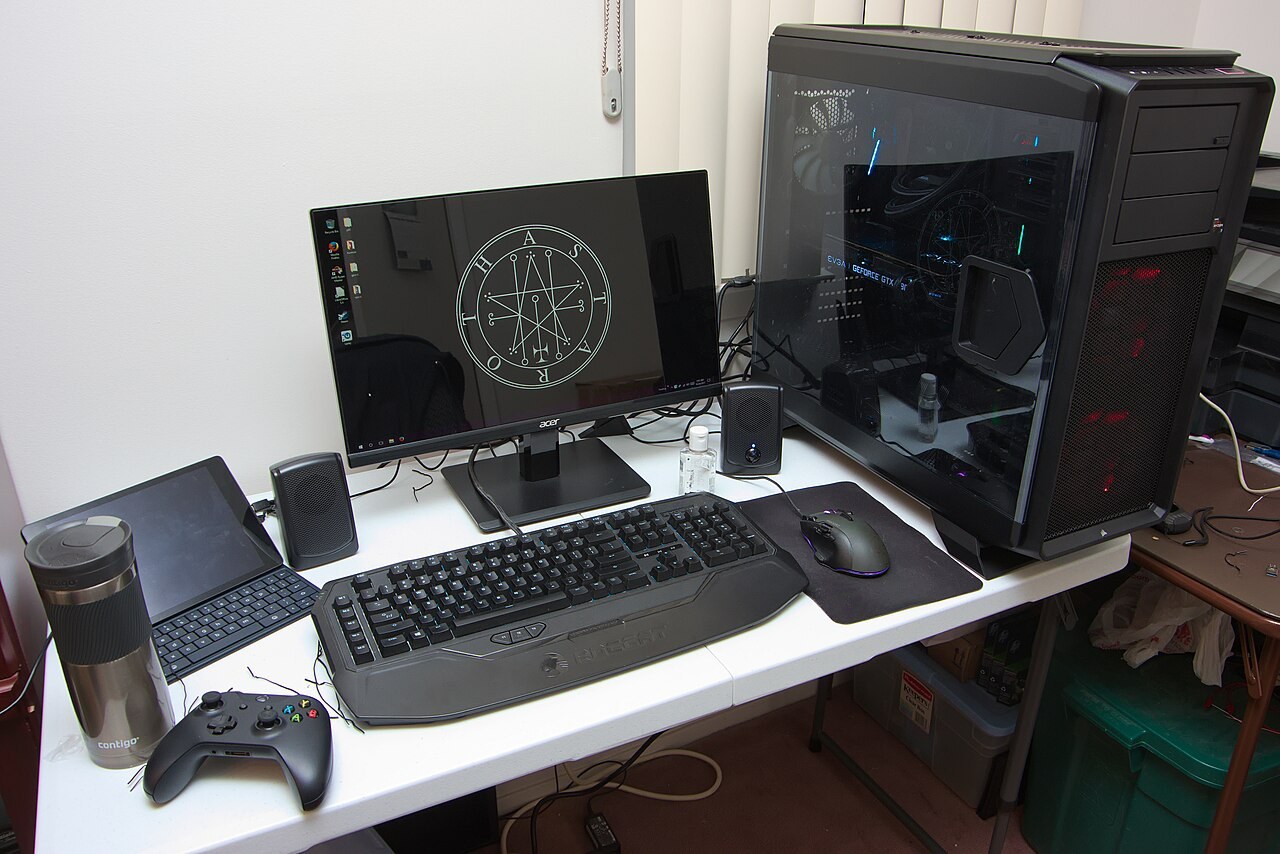
Ask for the complete specification and support terms, not just the processor and graphics-card names.
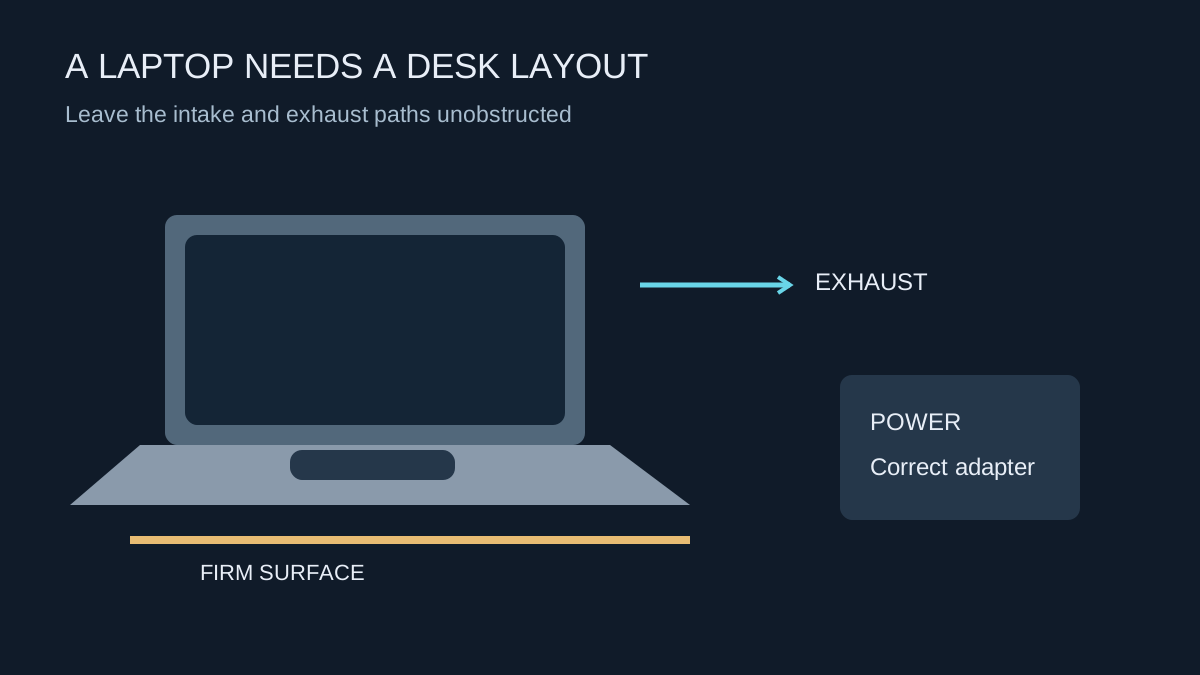
Treat power, cooling and the display connection as parts of one setup before adding a dock or monitor.
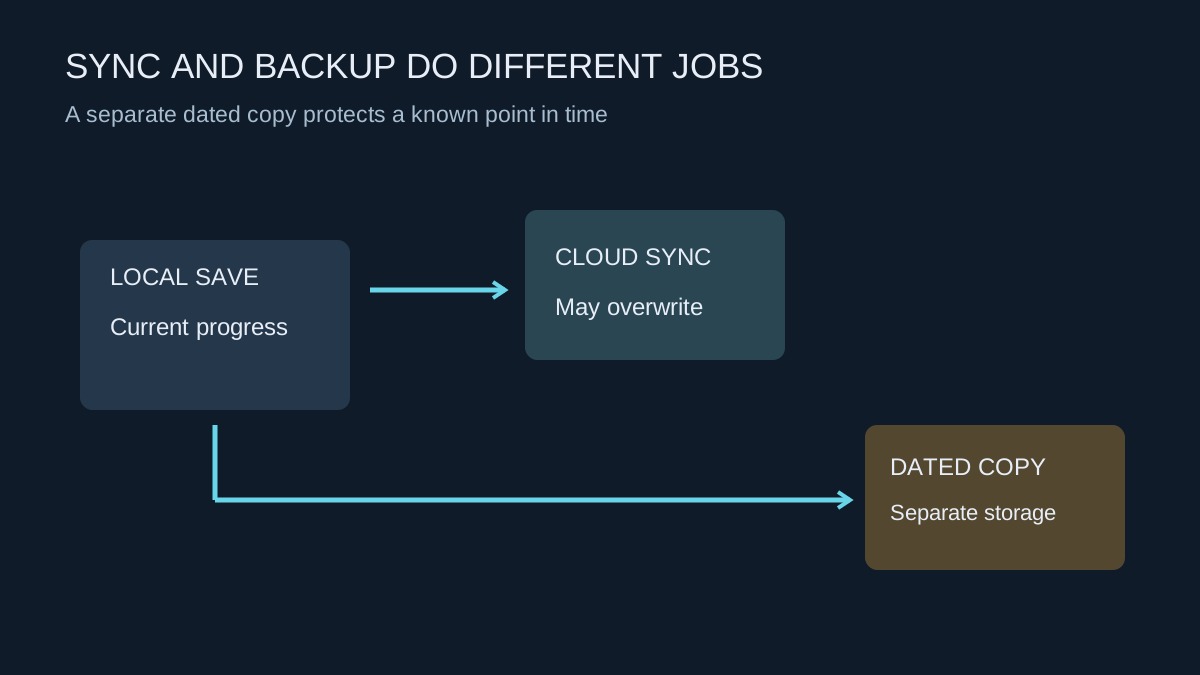
Keep a recoverable copy of progress before moving computers, reinstalling Windows or experimenting with mods.
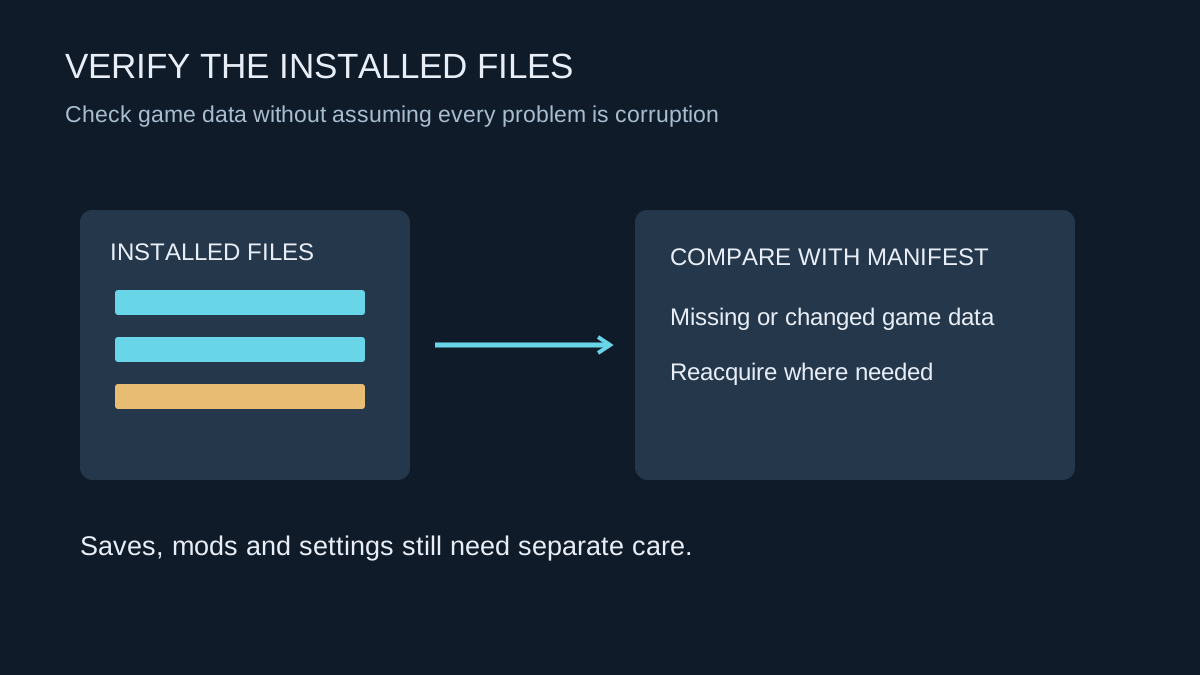
Verification checks installed game data. It is useful for certain faults, but it does not diagnose the whole computer.
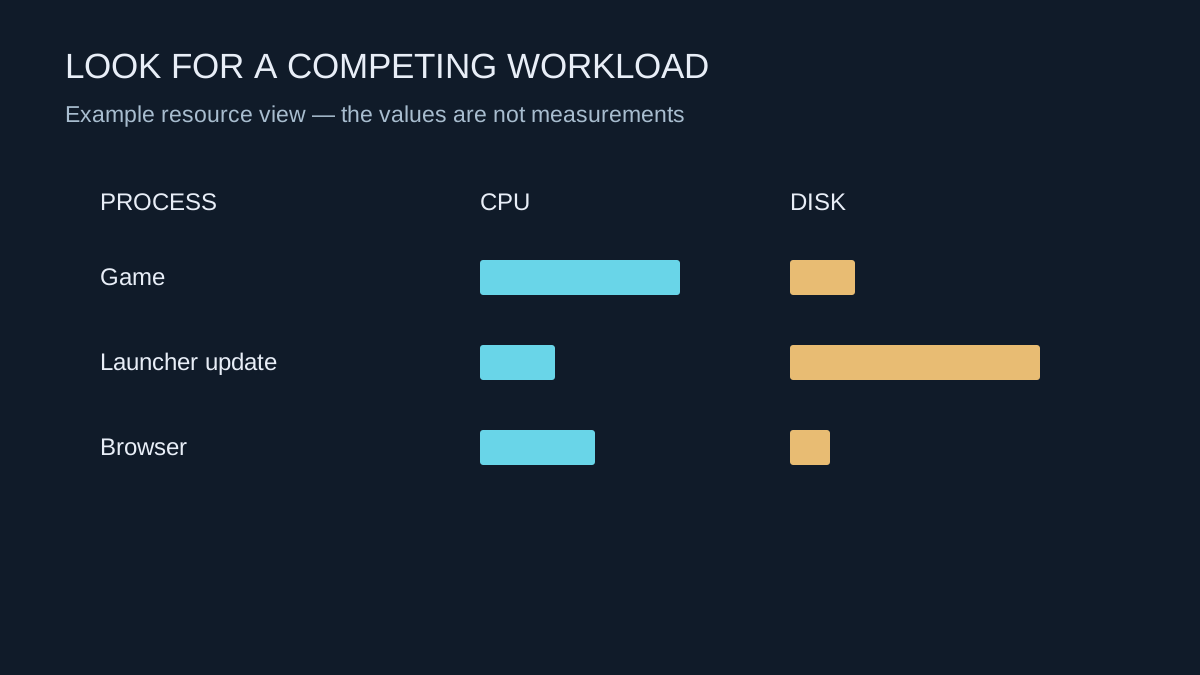
Look for a process competing for a resource at the moment the game slows down, rather than closing everything blindly.


