
START WITH THE FIT
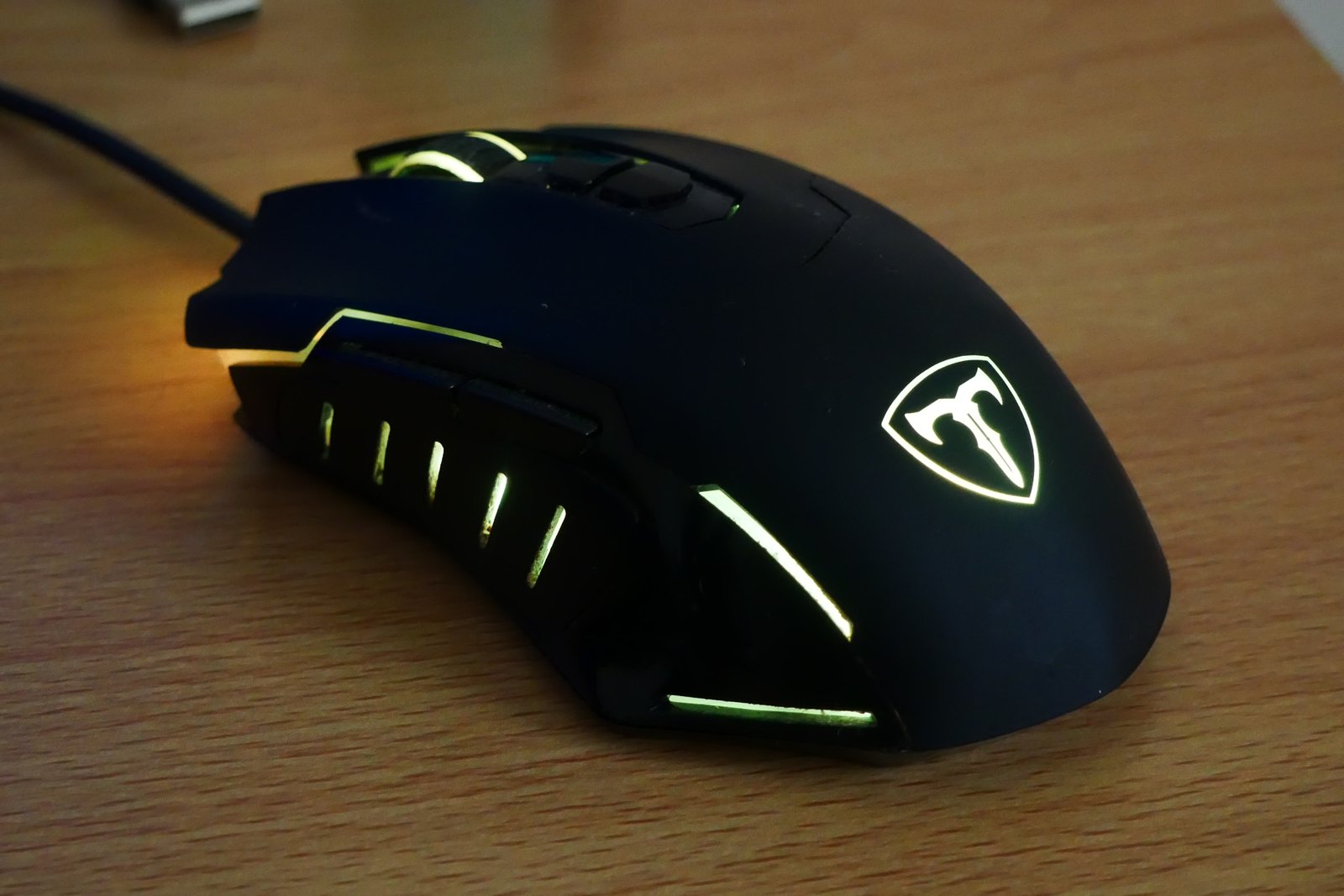
Finding a gaming mouse that fits your hand
Shape and button reach deserve attention before the largest number on the specification sheet.
Photo: CAPTAIN MEDUSA · CC BY-SA 4.0GEAR / SETTINGS / PLAY
Explore the equipment, settings and everyday choices behind a gaming setup.
Explore the guides ↗Shape and button reach deserve attention before the largest number on the specification sheet.
Photo: CAPTAIN MEDUSA · CC BY-SA 4.0THE READING ROOM
Mice, keyboards, headsets and controllers.
27 guides ↗02Performance, storage, networking and troubleshooting.
24 guides ↗03Displays, storage, accounts and shared play.
19 guides ↗04Screens, desks, sound and recording equipment.
17 guides ↗05Learning games, organising sessions and using game libraries.
12 guides ↗ON THE DESK
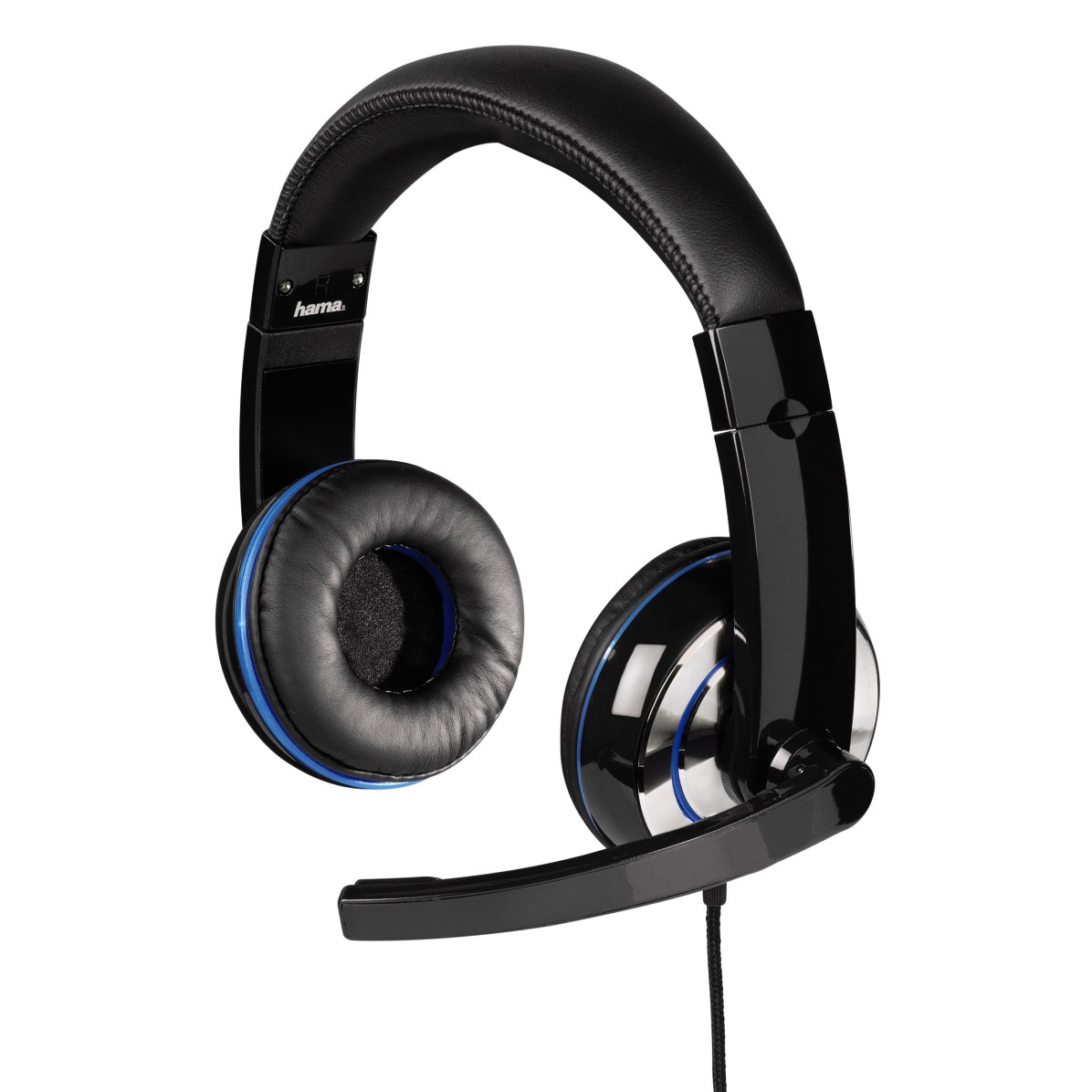
Ear cushions, headband pressure and the shape of your ears all affect how a headset feels.
Photo: Hama GmbH & Co KG · CC BY-SA 4.0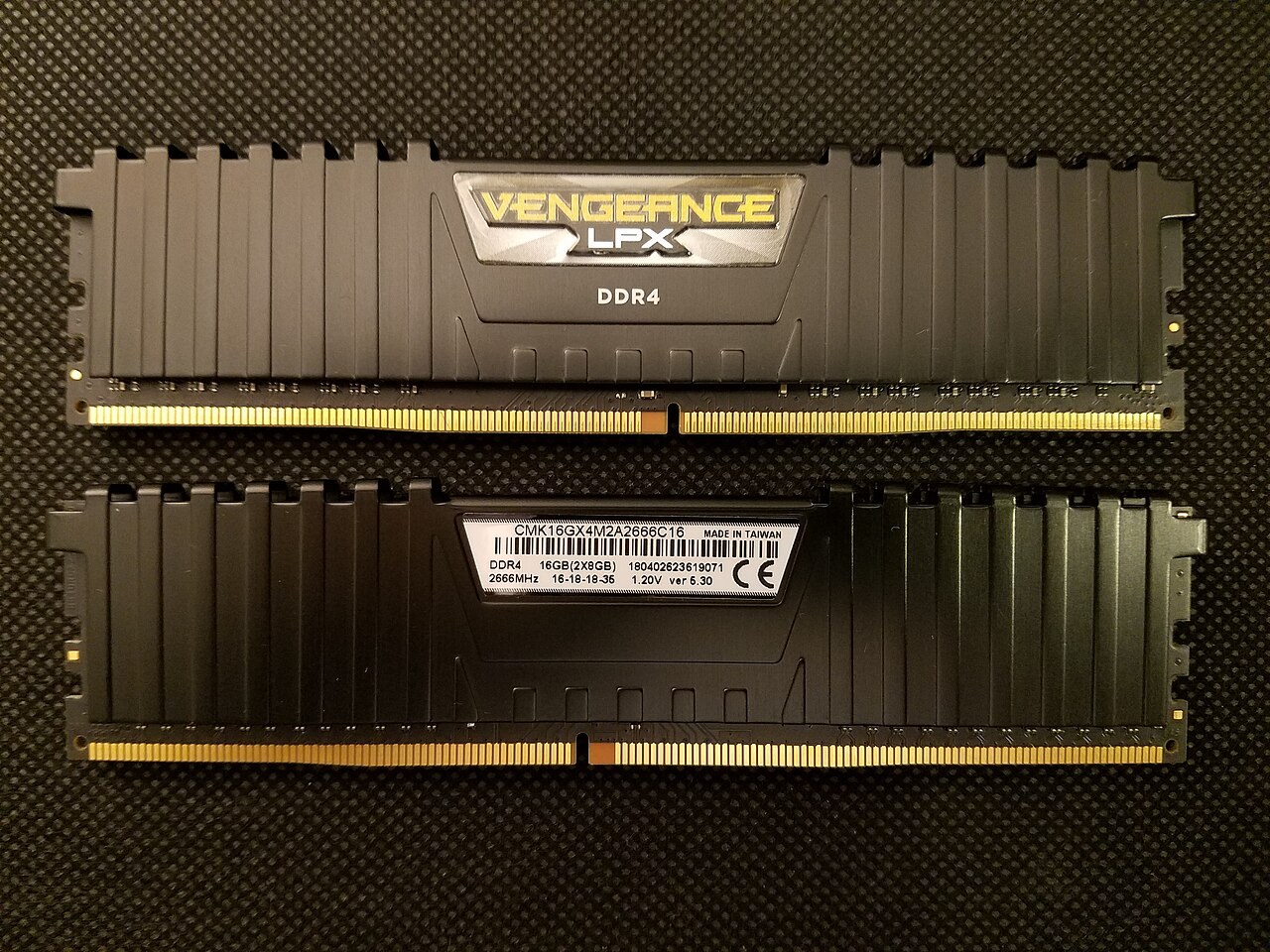
Look at the games you play, the applications beside them and the memory your motherboard can actually accept.
Photo: Bretwa · CC BY-SA 4.0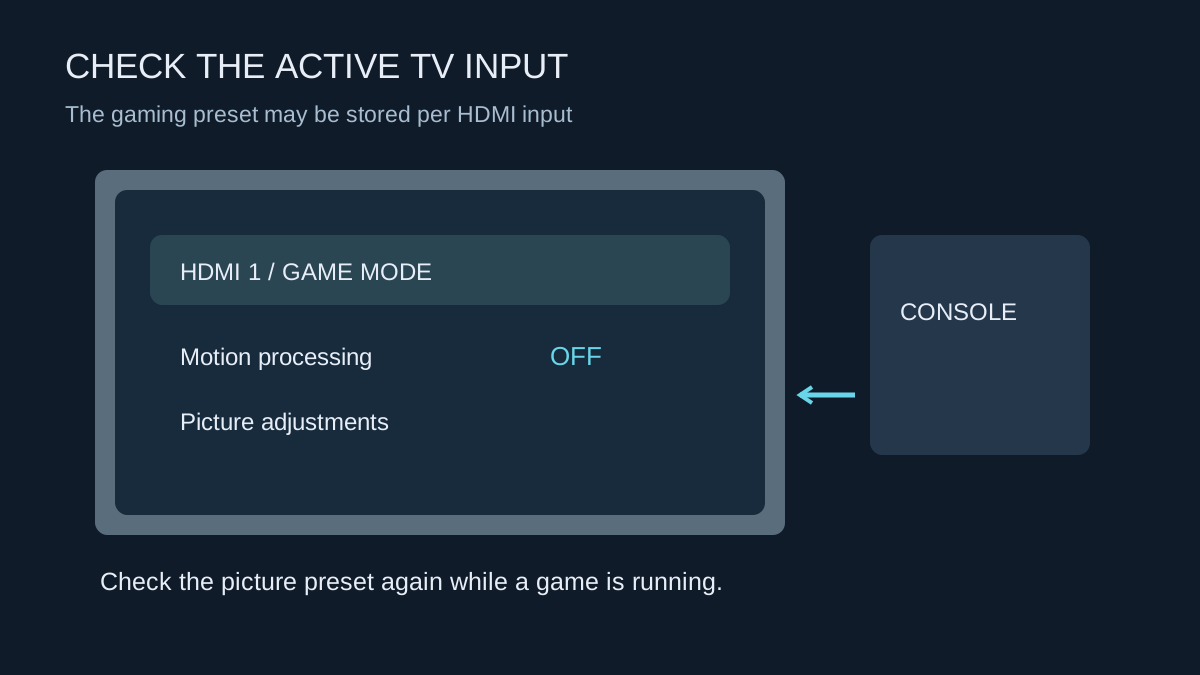
Find the gaming preset on the input you use, then check how it behaves with HDR and automatic switching.
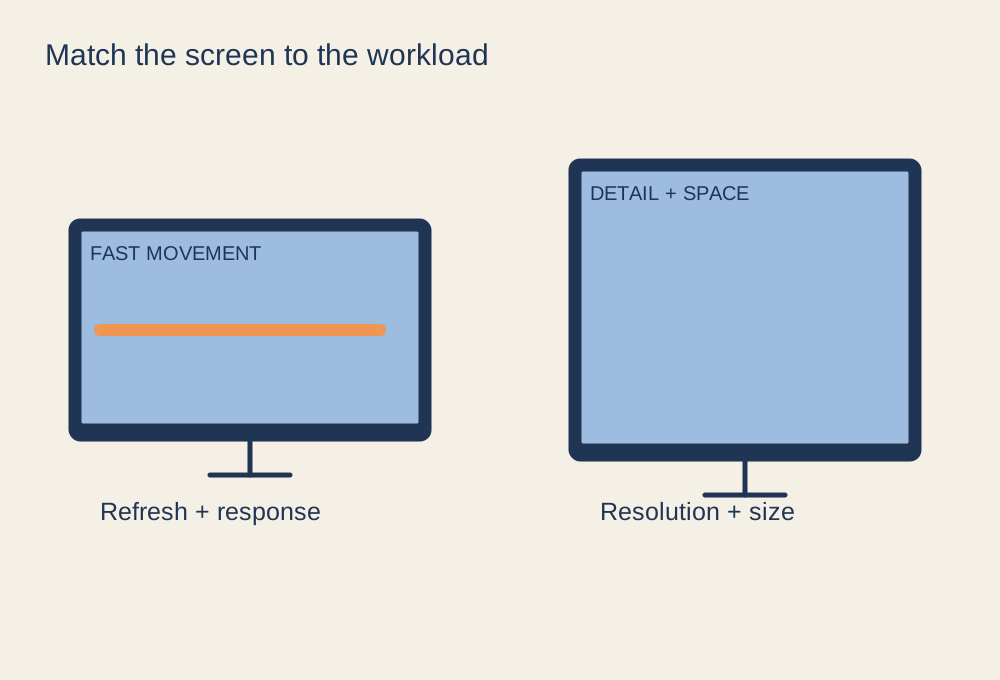
Build a shortlist from your games, graphics hardware and viewing conditions.
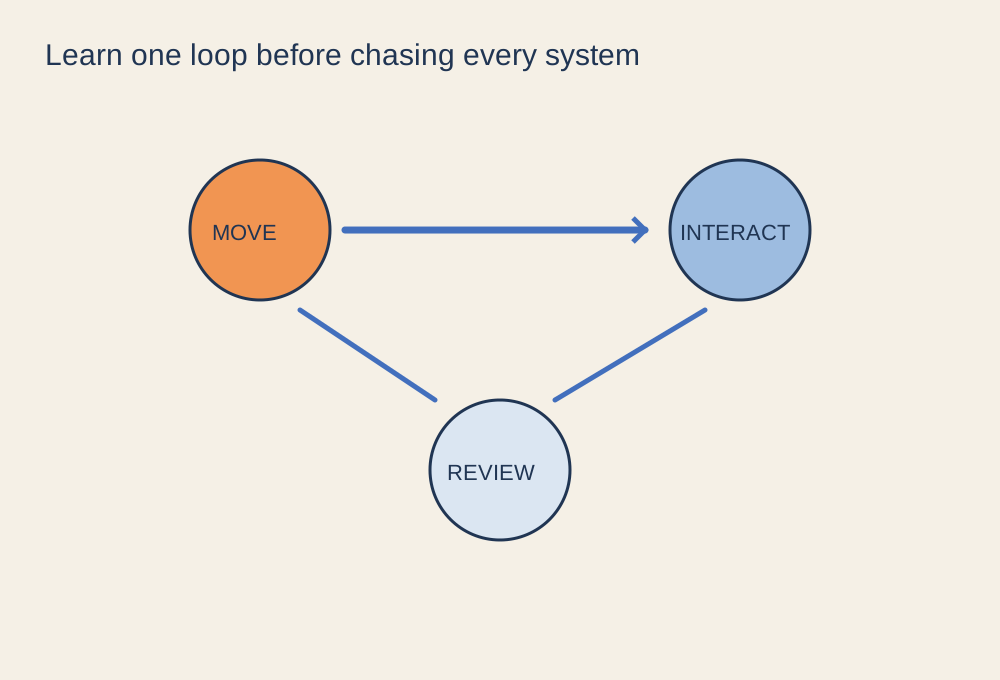
Learn the basic loop and the save behaviour before trying to understand every system.
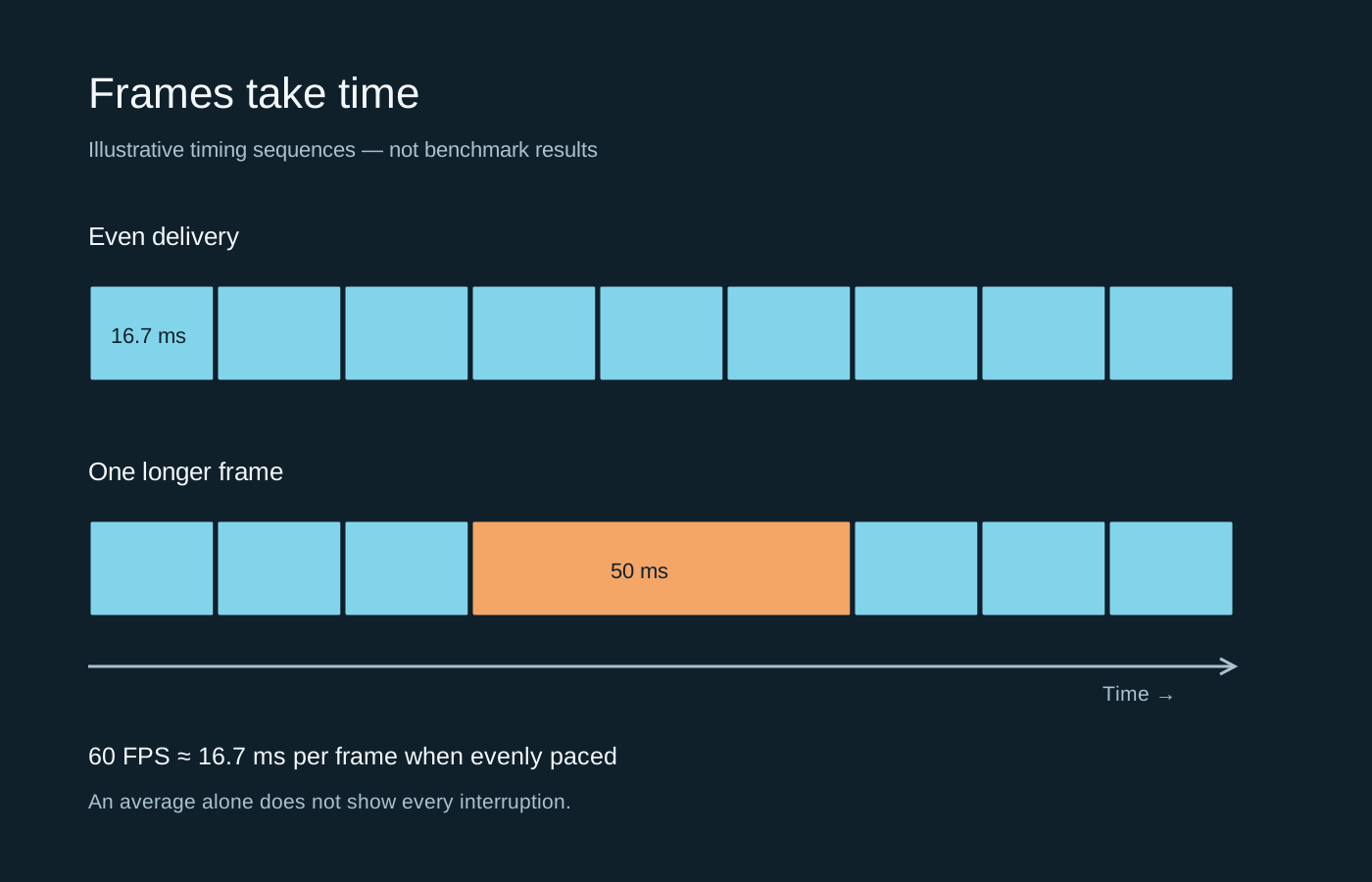
An average FPS figure can hide an uneven sequence. A frame-time graph shows where the pauses occur.


