Read more than the screen-size range
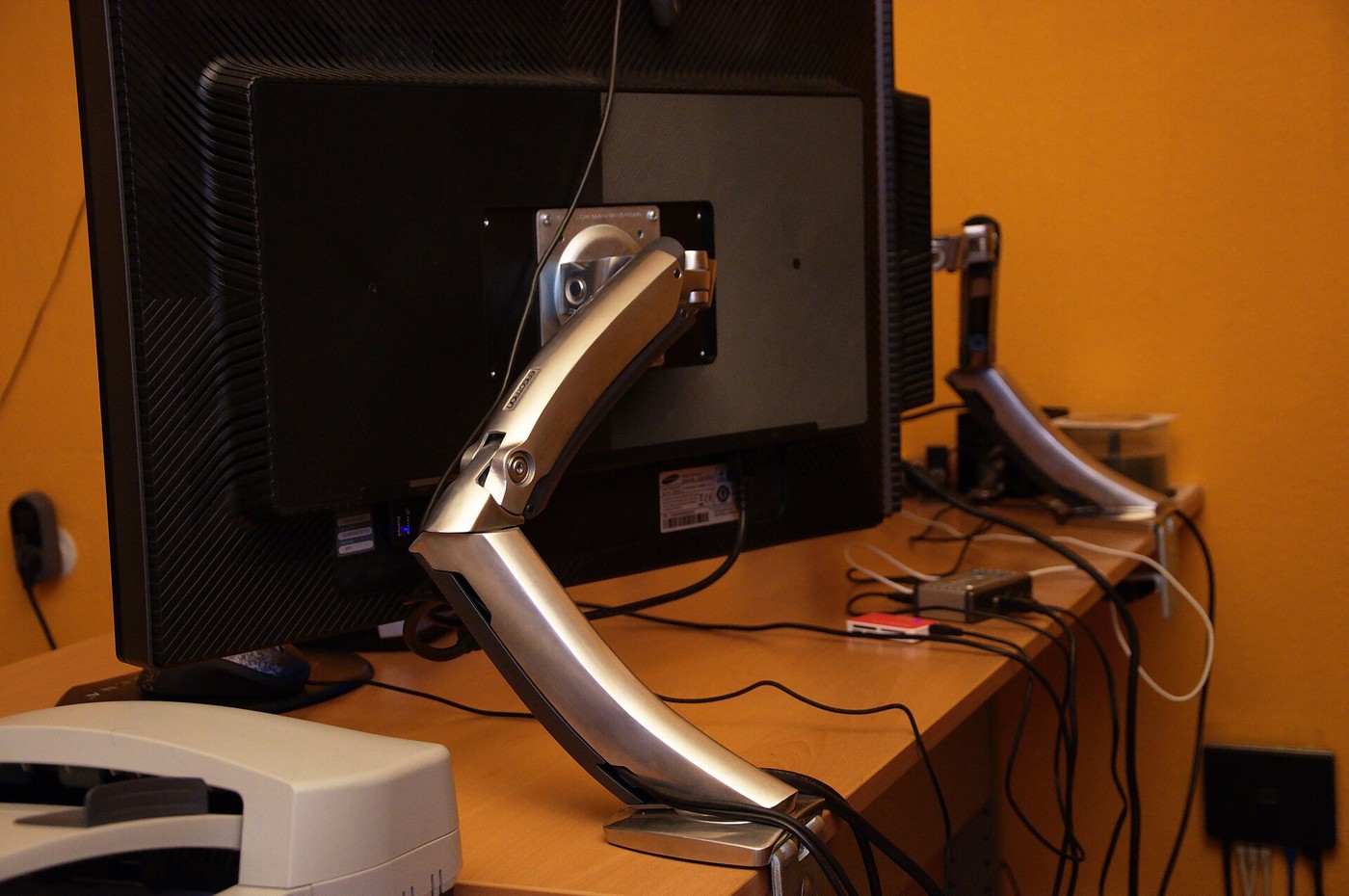
A monitor arm must match the display and the desk together. The advertised diagonal range is only a rough starting point. Look up the monitor's weight without its original stand, its mounting pattern and any restrictions in the manual. Add the weight of accessories that will move with it, such as a camera attached to the screen. Do not assume that a plate which physically reaches the holes proves the whole combination is supported.
Arms can specify a minimum as well as a maximum weight. A spring mechanism designed for a heavier display may not balance a very light one correctly. Large curved monitors can also impose different demands because their shape moves the load away from the mounting point. Use the arm maker's compatibility information for the exact screen, especially for unusually deep or wide models.
Inspect the desk underneath
Measure the desk thickness where the clamp will sit. Look below the edge for drawers, cable trays, metal frames and sloping surfaces. The clamp needs the contact area described in its installation instructions, not merely enough room to turn the screw. A thin decorative lip can look suitable from above while providing an unsuitable mounting surface below.
Check what the desktop is made from. Hollow, glass or damaged surfaces may have restrictions that a solid-looking finish conceals. Ask the desk or arm manufacturer if the instructions do not establish compatibility. A reinforcement plate can spread a load in some approved arrangements, but it does not automatically make every weak desktop safe. Grommet mounting has its own hole, clearance and structural requirements.
Map the movement
Find the arm's reach, height range and folding space. Some arms need room behind the desk to fold back, which matters when the desk is against a wall. Mark your desired screen position and see whether the arm can reach it without a joint hitting the wall or the screen extending over a walking route.
For two displays, check the combined width and individual arm loads. The monitors may be supported individually yet unable to sit side by side in the arrangement you want. Rotation also requires clearance: a screen that can tilt and swivel may still hit the desk when turned into portrait orientation.
Install with the instructions in reach
Use the supplied or specified mounting hardware, including the correct screw length and spacers. A screw that is too long can damage the display; one that is too short may not engage sufficiently. Support the monitor during attachment and adjustment, and get help with a heavy or awkward panel. Follow the manufacturer's sequence for tension adjustment rather than loosening an unfamiliar joint while it carries the load.
Route cables only after checking the full movement. Leave enough slack at the screen and arm joints, then secure the cables without pinching them. Move the display slowly through the positions you expect to use and watch both the cables and clamp. Finally, inspect the desk surface and mounting point. If the setup slips, flexes unexpectedly or cannot balance within the documented range, stop using it until the cause is resolved. Tightening everything harder is not a substitute for a compatible installation.