Decide what you are trying to improve
Choose a concrete goal: steadier frame delivery, a higher minimum during crowded scenes, clearer distant detail or less distracting visual effects. A vague aim to optimise everything encourages changes that work against each other. A setting that improves the average frame rate may not solve the hitch you actually notice.
Save screenshots of the current options and note the display resolution, frame cap and upscaling mode. Presets can change many settings together, so keep a record even if the game calls the current configuration High or Medium. A later update may also alter what a preset contains.
Pick a comparison that can be repeated
Use a built-in benchmark where useful, or a short route through a saved game. Keep the camera movement and activity similar. An empty corridor cannot represent a busy city, while a different match with different players makes a precise comparison difficult.
Let any documented shader preparation finish and avoid comparing a cold first run with a warmed second run without noticing the difference. Close an unrelated download or background task that would disturb the test. Do not disable essential security features to chase an unexplained number.
Change one relevant control
If graphics workload appears to be the limitation, resolution, rendering effects and shadows may be worth testing. If the slowdown appears with many characters or complex simulation, another setting may matter more. The effect of a named option depends on the game, so avoid a universal list that claims every shadow setting has the same cost.
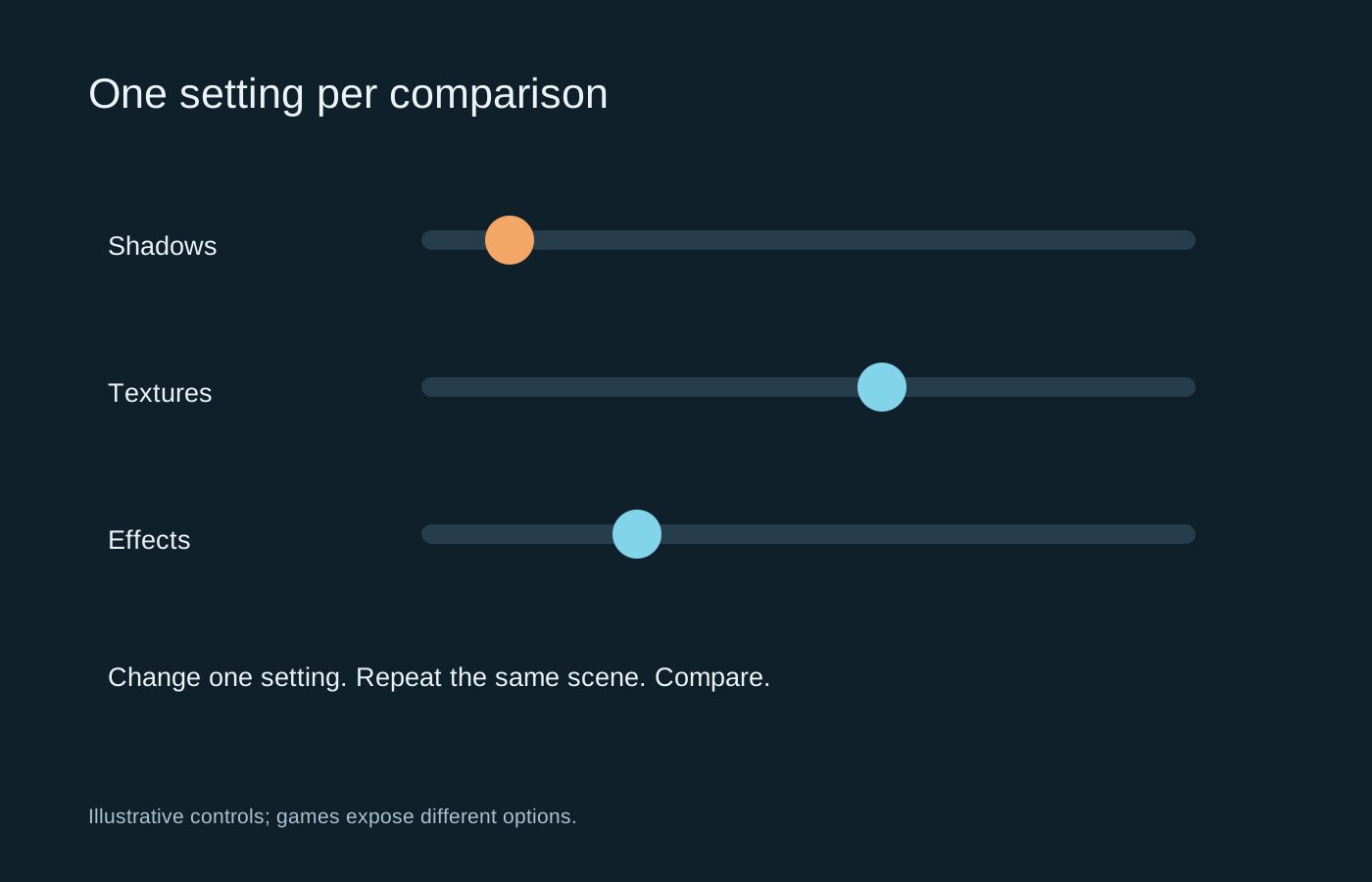
Change one option, repeat the scene and compare both appearance and frame delivery. Look at the area the option affects. Reducing distant detail may barely change a small indoor scene, while a texture setting may require a reload before its effect is obvious.
Use the game’s instructions when an option requires a restart. A comparison made before the change is fully applied can lead you to believe it has no effect. Record the result with a short note rather than trying to remember five experiments.
Keep the improvements that matter
Repeat a promising result to check that it was not an unusually easy run. Then play an ordinary session with the new setting. A small numerical gain can be a poor trade if it makes signs hard to read or introduces distracting image instability.
Once the game meets the target, stop adjusting unless a new problem appears. Keep the baseline and the chosen configuration. This makes a later driver or game update easier to assess, and prevents an afternoon of unrelated tweaks from becoming impossible to reverse.