Three ways to enter directions
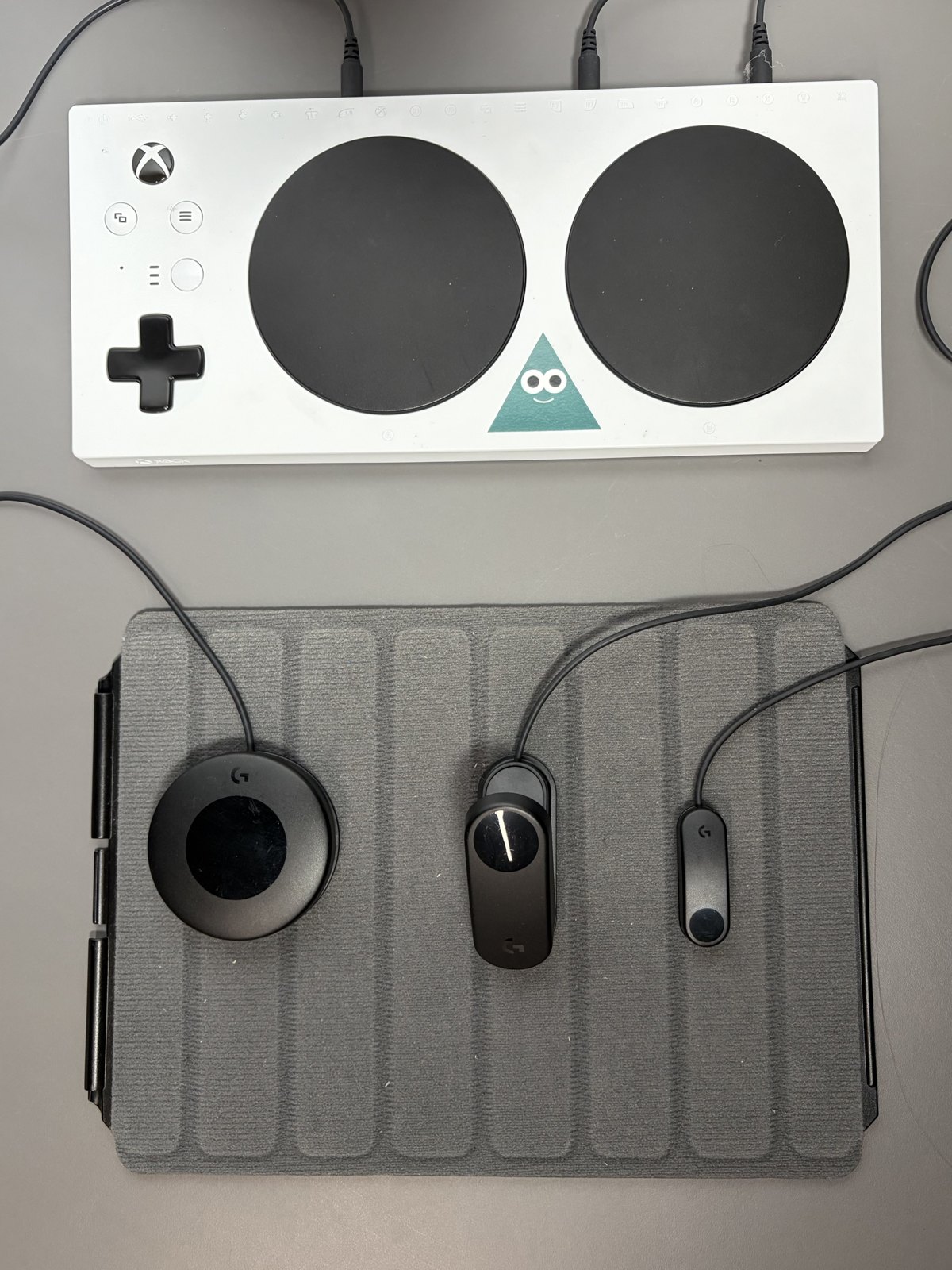
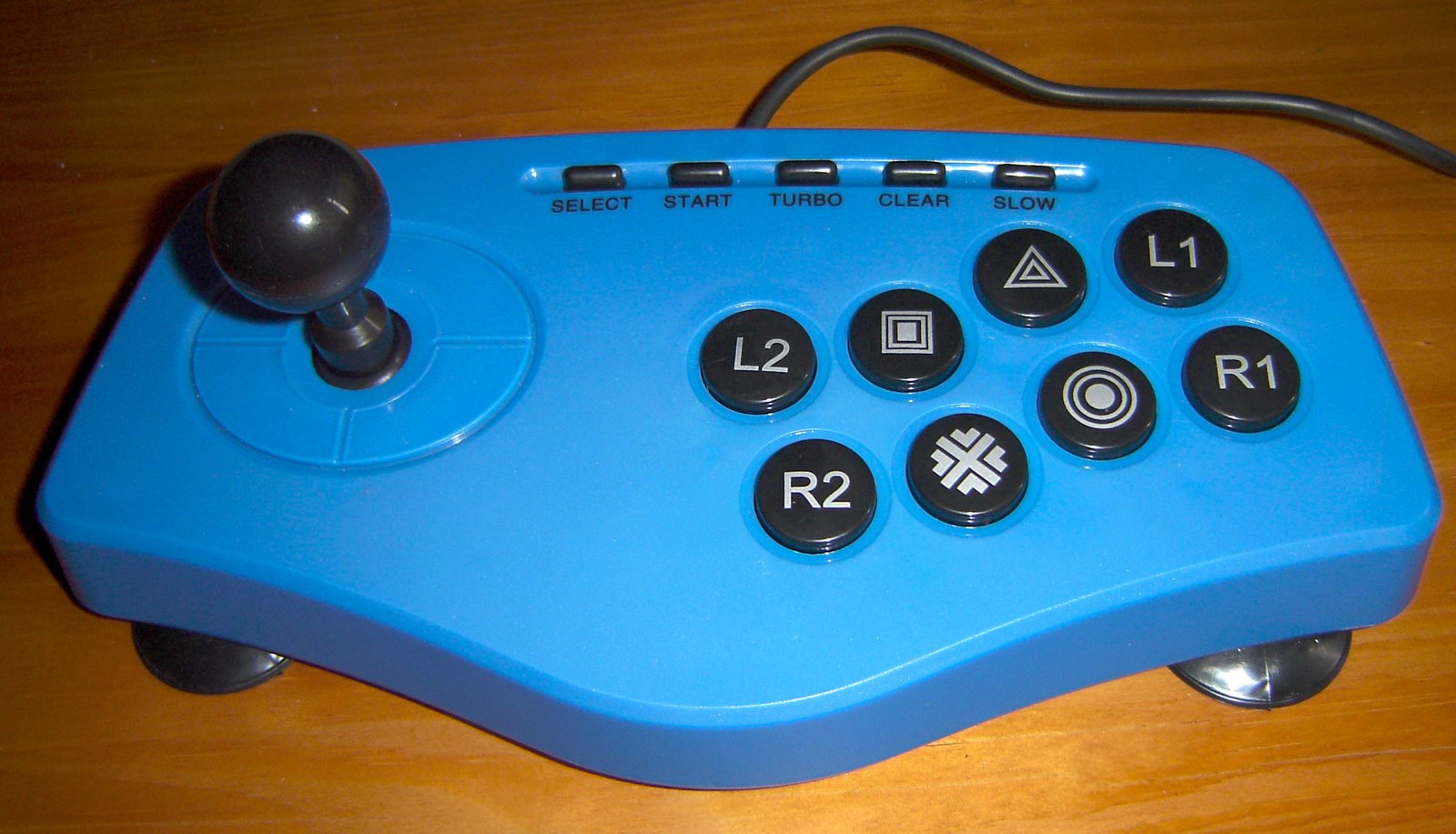
A gamepad usually provides a directional pad and sticks within a handheld shell. An arcade stick uses a lever for directions and a separate bank of buttons. A leverless controller replaces the directional lever with buttons. These arrangements change the physical movement needed to perform the same game command.
None automatically removes the need to practise timing and execution. A familiar gamepad can be more effective for a player than an unfamiliar specialist controller. Before buying, try basic movement, diagonal inputs and a few actions from the games you actually play rather than judging only by professional players’ equipment.
Check the rules and platform
Confirm compatibility with your console or PC and the exact game. A USB connector does not establish console support. Also check tournament rules if competition is part of the plan. Rules about simultaneous opposite directions, macros and device behaviour can vary by event and change over time.
Do not assume a programmable feature is permitted simply because it is built into the controller. Use the organiser’s current rules for the actual competition. For ordinary home use, keep any mapping understandable so you know what a single press sends to the game.
Fit the hardware to the playing position
An arcade controller needs a stable resting place. Check its footprint, weight and cable route on your desk or lap. A light enclosure that slides during a movement can be frustrating, while a heavy one may be inconvenient to carry. Button spacing and the height of the front edge also affect how your hands rest.
Leverless layouts deserve the same fit check. Direction buttons arranged comfortably for one player may create awkward stretches for another. Try combinations as well as individual taps, and stop if the posture becomes uncomfortable. A different layout can be more useful than forcing a preferred visual style.
If you plan to change parts, check the manufacturer’s service instructions and supported components. Button diameter, connectors and internal clearance are not universal. Keep the original configuration working before starting modifications.
Use a practice mode to evaluate a new controller over several sessions. Separate unfamiliarity from a persistent physical problem: missed inputs during learning differ from a button you cannot reach without strain. Retain a known layout while deciding. The purchase should make the controls manageable and repeatable, not simply add another piece of equipment to the desk.