Identify the unit, not just the product family
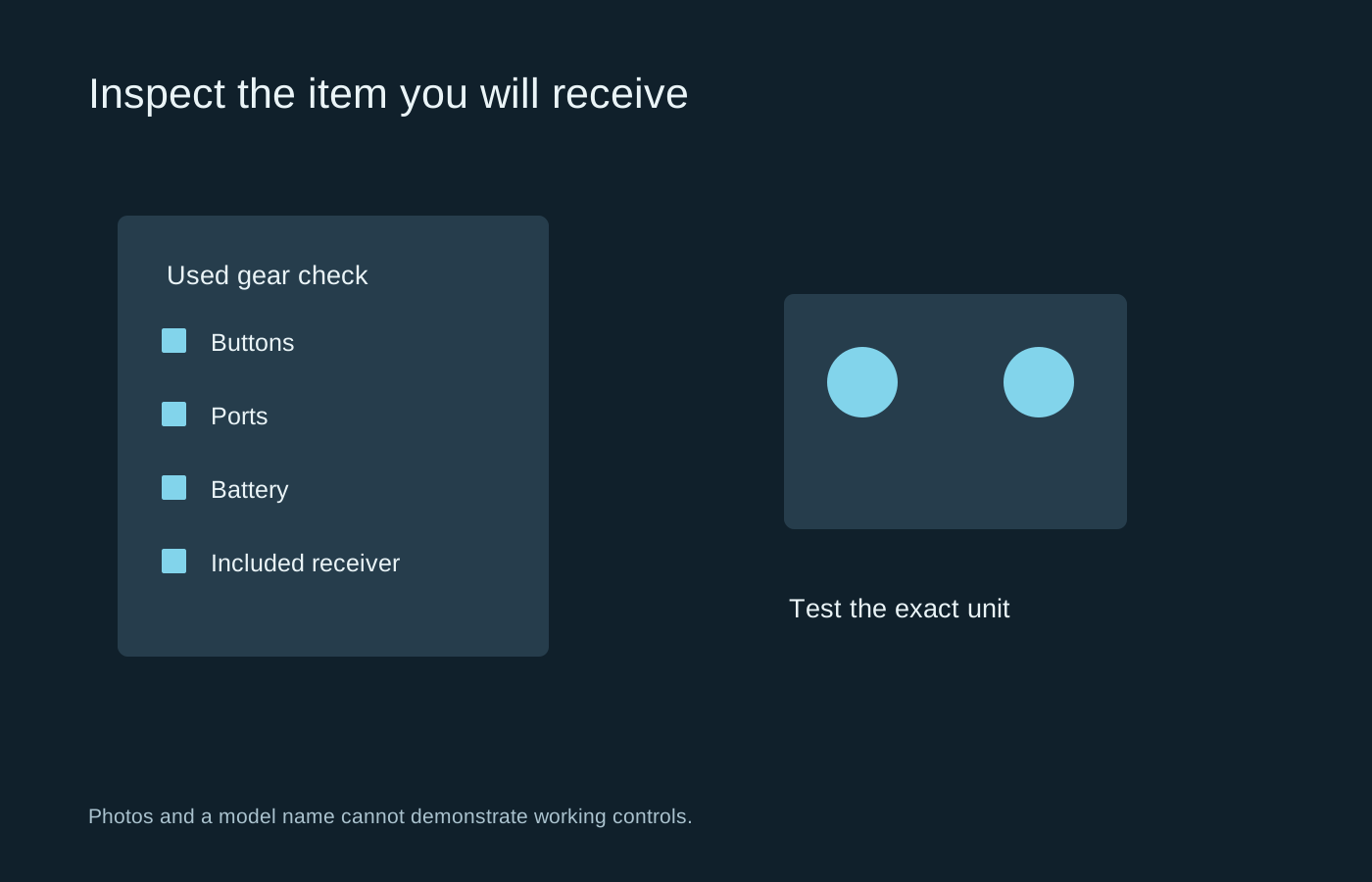
Ask for the full model name and any relevant revision. A keyboard, headset or controller can have several versions with different connections and platform support. Compare the seller’s photographs with the actual item description, and clarify whether the pictured receiver, cable or microphone is included.
A missing proprietary receiver can make a wireless device much less useful. Check replacement availability before agreeing a price. A detachable microphone or special charging cable can create a similar problem. Do not assume that an inexpensive generic part will replace every branded accessory.
Test the controls systematically
For a mouse, check each button, the wheel in both directions and consistent tracking on a clean surface. For a keyboard, test all keys rather than typing only a short sentence. Long keys should return freely, and the cable or socket should not cut out during normal gentle movement.
For a controller, test both sticks at rest and across their range, triggers, bumpers and less frequently used buttons. A menu demonstration alone may miss drift or an analogue trigger problem. If a seller cannot provide a test, treat that as missing evidence rather than proof that the device is faulty or sound.
For a headset, check both playback channels and make a microphone recording. Inspect the cushions, headband, hinges and cable strain relief. Cosmetic wear differs from a crack that affects the structure. Also consider whether replacement cushions are available and whether the materials can be cleaned as recommended.
Battery condition needs more than a charge light
A device turning on does not establish useful battery endurance. Ask how it is charged, how often charging is needed and whether it behaves consistently in the intended mode. Treat a precise endurance claim cautiously unless the conditions are clear.
Inspect for obvious swelling, leakage, corrosion or damaged charging parts without opening sealed components. Do not use a device with a visibly damaged battery or an unsafe power accessory. Follow the manufacturer’s service guidance. The cost of an approved replacement or repair belongs in the comparison with buying new.
Check the purchase terms
Read the seller’s description of faults, returns and included items before paying. Save the listing and correspondence that clarify the condition. A private sale and a retailer’s refurbished product may come with different terms, so do not assume that the word used implies a particular inspection process or warranty.
Calculate the total after missing cables, replacement pads and delivery. A small saving can disappear when essential accessories are absent. Prefer a unit whose condition and operation you can understand over one with an impressive original price but unanswered questions.
When the item arrives, inspect and test it promptly using the same checklist. Document a discrepancy before attempting repairs or modifications. That preserves a clearer account of what was delivered and avoids confusing an existing problem with a change made during troubleshooting.