Start with the movement that fails
A sensor problem is easier to investigate when you can describe it. Does the camera jump during a fast swipe, drift while the mouse is still, or move unexpectedly when you lift and reposition it? These are different symptoms. Record the surface and settings before changing several things at once.
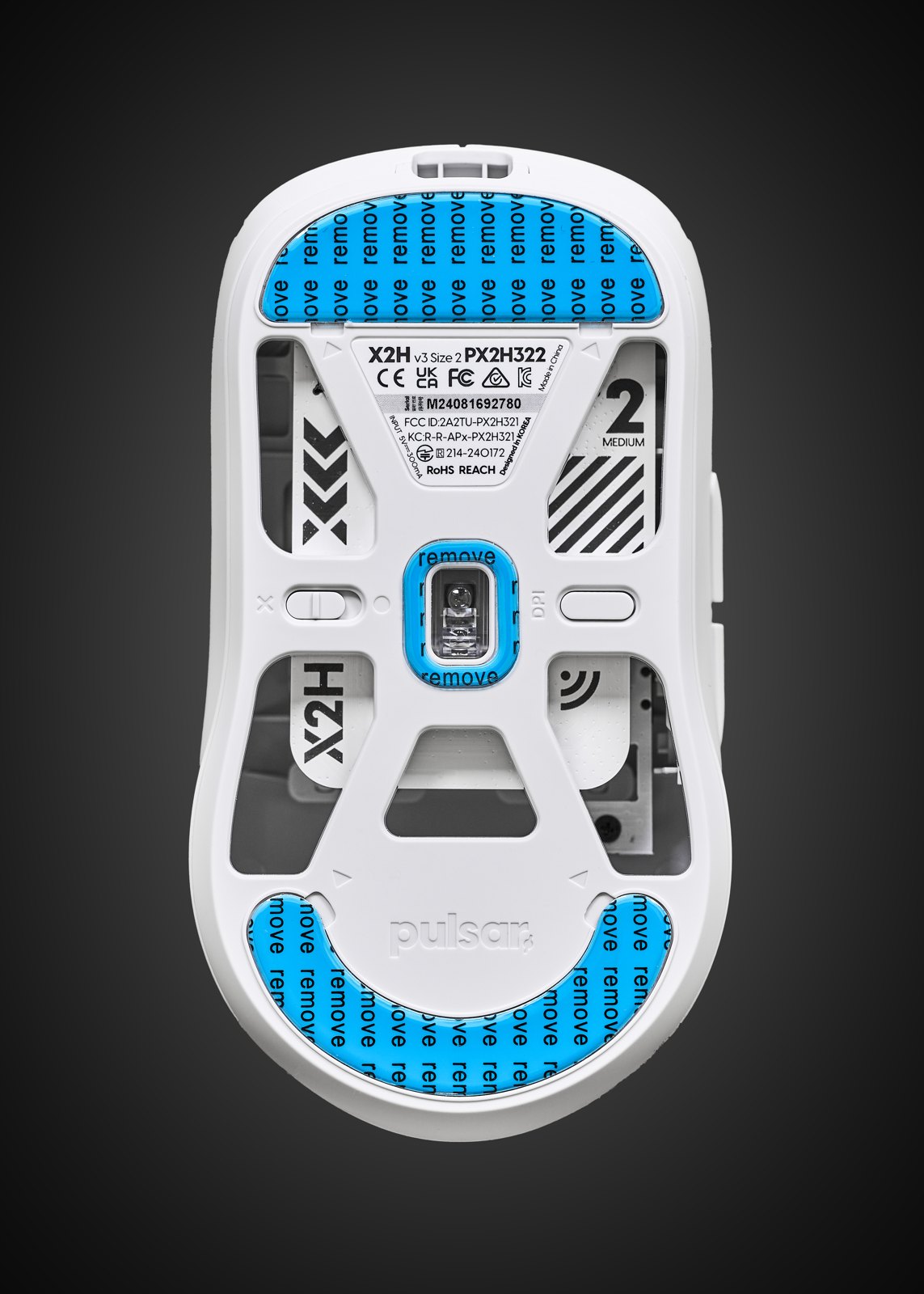
Inspect the sensor opening with the mouse disconnected. Remove loose dust using the manufacturer’s cleaning advice; do not push a sharp object into the aperture. A hair or dirty patch on the pad can create a local problem that looks like a failed sensor. Test another clean, ordinary mousepad before assuming the electronics are at fault.
What the specification leaves out
Maximum DPI describes an available sensitivity range. It does not tell you whether the shell fits, the buttons suit your grip or the sensor behaves consistently at your chosen setting. Tracking-speed and acceleration specifications are also limits measured under particular conditions, not a ranking of the whole mouse.
Lift-off distance is the height at which tracking stops when the mouse leaves the surface. A lower cutoff can help someone who frequently repositions a mouse, but the right behaviour depends on the pad and how the mouse is lifted. Some software offers surface calibration or separate lift and landing adjustments; many models do not.
Use those controls only after establishing a working default. A badly matched calibration can make troubleshooting harder. Save the previous profile so you can reverse the change, and follow the instructions for the actual model rather than borrowing a procedure from another sensor family.
Test ordinary play as well as fast swipes
In a quiet practice scene, make slow diagonal movements, small corrections and several faster turns. Then lift and replace the mouse as you normally would. Watch whether the problem follows one part of the pad. Keep sensitivity fixed so you are comparing tracking rather than a changed movement scale.
If the problem persists across clean surfaces, ports and a second computer where available, collect those observations for support. Avoid downloading unofficial firmware that claims to unlock performance. A reproducible description of the fault is more useful than a very high DPI setting or a screenshot of an isolated online score.