Check the contact points
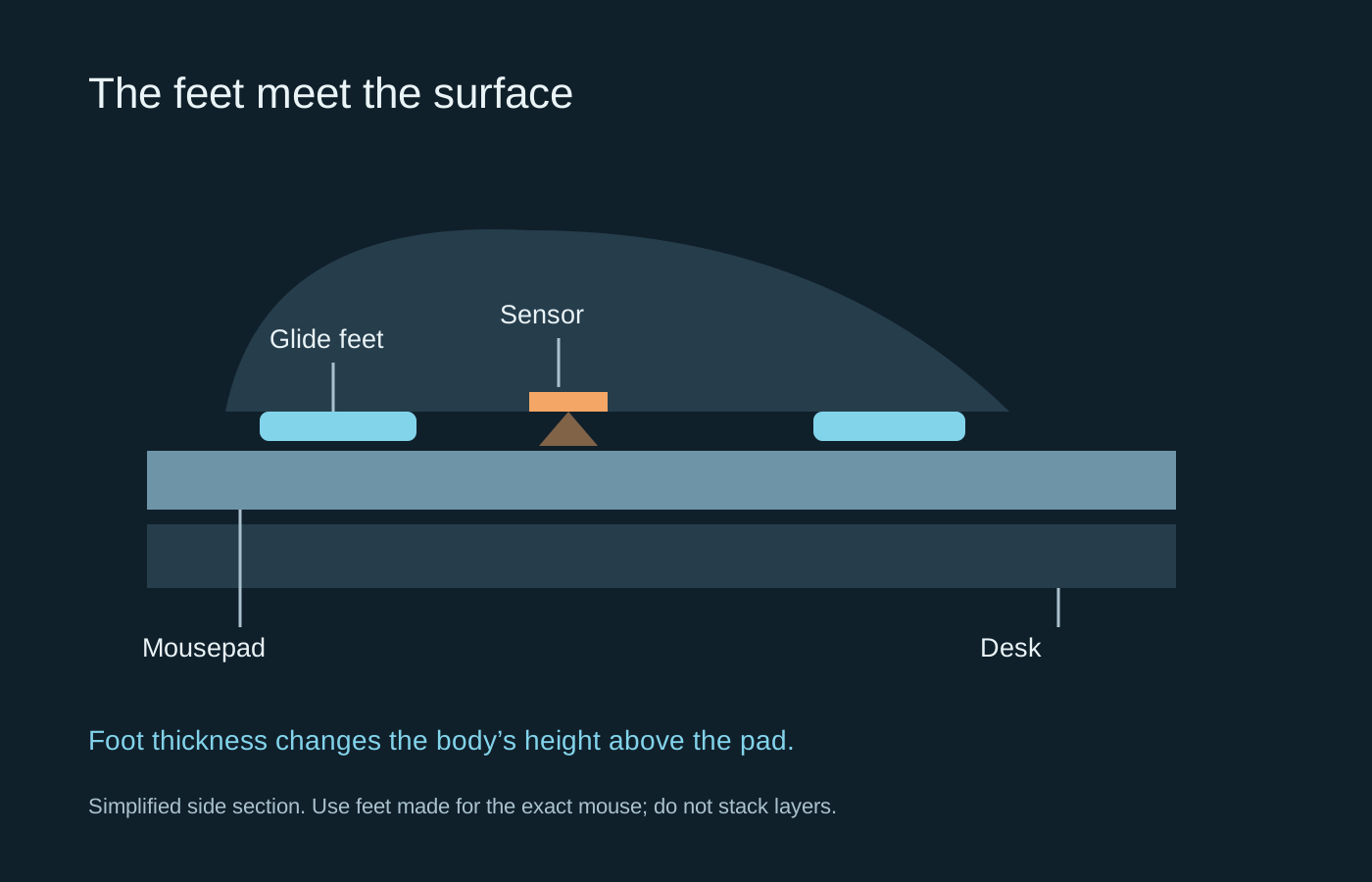
Turn the disconnected mouse over and inspect the feet. Their job is to provide smooth contact with the pad and keep the body at its intended height. Dirt around an edge, a peeling corner or a deeply worn area can make movement uneven. Do not assume every scratch means the feet need replacing.
Wipe the pad and feet using the materials and cleaning method recommended for them. Let everything dry before testing. A sticky patch on the pad can feel like resistance from the mouse, while a soft pad may feel different depending on how firmly you press down. Compare several areas of the surface before ordering parts.
A replacement must fit the model
Replacement feet are not simply pieces of slippery material. Their shape and thickness need to suit the mouse. Adding a new layer over the old one can change sensor height and leave unstable contact points. Follow the replacement instructions rather than stacking adhesive layers to save time.
Check whether a protective film needs removal. Also identify feet that cover screws before attempting any disassembly: removing them can make later reattachment unreliable. If the mouse is still under warranty, ask the manufacturer how a fault should be handled before opening the shell.
Pick the surface for the movement you want
A cloth surface often provides a different stopping feel from a rigid one, but labels such as speed and control are not standardised measurements. The same pad can feel different with another set of feet. Pad thickness, desk texture underneath and accumulated moisture or dirt add further variation.
Test a small correction and a long sweep rather than judging only by how far the mouse slides when pushed. Free sliding is not the same as controlled aiming. Check that the pad stays still and that its edge does not catch the cable or your forearm.
When changing feet, keep your sensitivity and other settings unchanged for the first comparison. Give yourself time to adapt before changing them too. Keep a note of the exact replacement set used, particularly if the manufacturer supplies several revisions for a mouse with the same family name. That makes a future replacement less of a guessing exercise.