Read the multiplayer description carefully
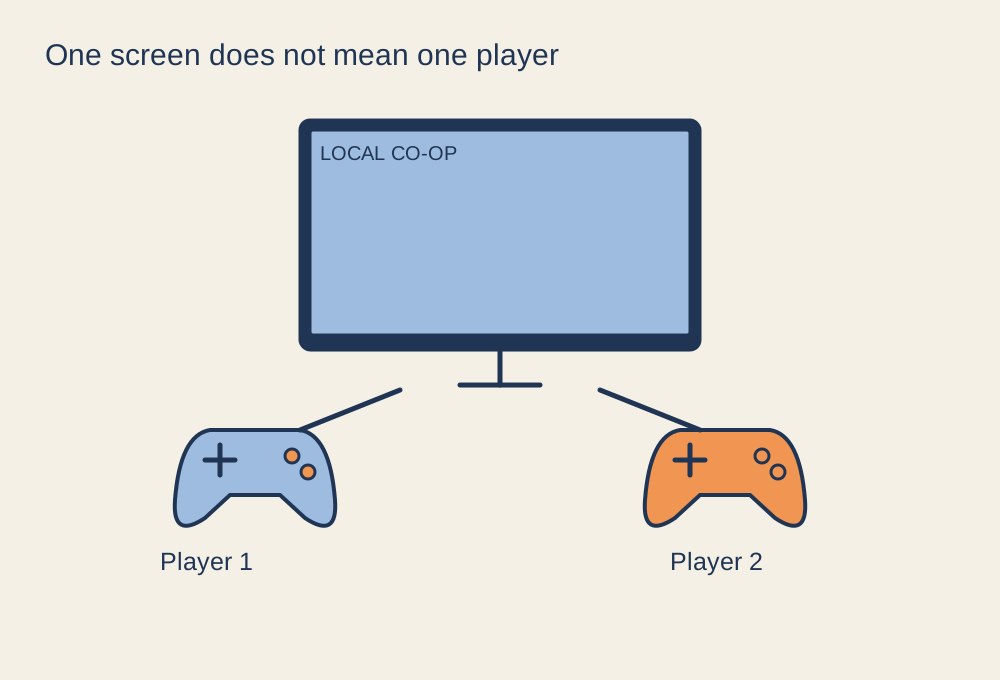
Co-op, online multiplayer and local multiplayer describe different arrangements. A game can support a team over the internet without letting two people play on one console. Check the store page and the developer's help information for local player count, split-screen or shared-screen support, and any restrictions on the mode you intend to use.
On a PC, several controllers may be supported while two keyboards are not treated as independent players. On a console, an older controller may work in the menus but not in the particular game version. Test the actual game and every input device rather than stopping once the operating system recognises them.
Do a short joining rehearsal
Launch the chosen mode with the host profile, then follow the game's join prompt for each additional player. Some games need separate profiles; others accept temporary guests. Find out whether a guest's progress will be retained and whether achievements or unlocks belong only to the host. Explain that arrangement before committing to a long campaign.
Charge the controllers, update them if required and keep suitable spare cables nearby. Check that wired cables reach the seats without crossing the walking route. If two controllers look identical, a removable label can prevent players repeatedly picking up the wrong one after a break.
Make the screen and sound work for everyone
Sit where the guests will sit and read the interface. Split-screen makes each view smaller, so a display that feels generous for one player can become difficult to read from across the room. Increase subtitle or interface size where the game allows it. With a shared camera, agree how to handle a player who moves towards the edge of the visible area.
Local play usually does not need several open microphones in the same room. That arrangement can create echo and duplicate voices. If remote friends are also joining, choose one deliberate voice setup and test that everyone can hear the group without the television overwhelming speech.
Steam's Remote Play Together can extend supported local multiplayer games to remote participants, but it adds streaming and connection requirements. It is not a promise that every game with online co-op supports local joining. For the first session, choose a short level or match so you can discover control, visibility or joining problems before the evening depends on completing a long mission.