Three things that need to arrive
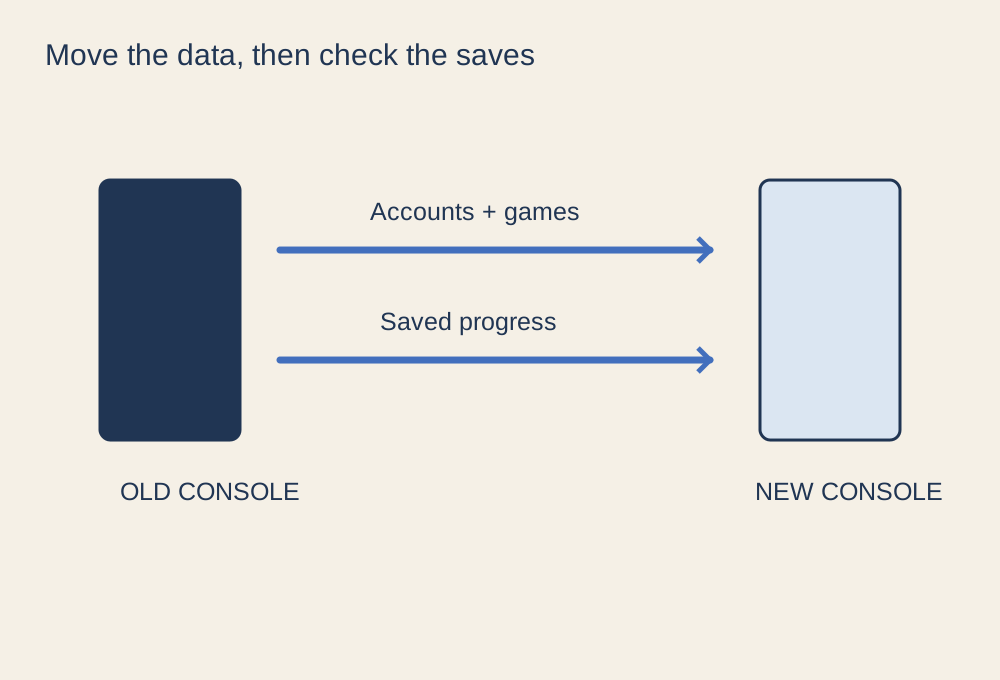
A console migration can look successful because the games appear in the library, while the latest saves are still on the old machine. Treat your account, installed game files and saved progress as separate items. Screenshots, video clips and settings may need their own transfer method as well. Write a short list of what you would miss before opening the transfer menu.
Start by confirming that you can sign in to the account on another device and access its recovery method. Do not depend on an old console that remains signed in to prove you know the password. Record which household member owns each purchase and which profile holds each save; a shared home screen can conceal those differences.
Choose the supported route
Read the instructions for the exact source and destination consoles. A manufacturer may offer a local network transfer, a cloud-save service or a backup-and-restore process, but those methods need not move identical data. For example, PlayStation distinguishes transfer to a PS5 from downloading individual games or using other storage methods. Do not apply a PS4 instruction to PS5 saves simply because both consoles display the same account.
Check free space at the destination and update the machines as instructed before starting. If the process uses the local network, keep both consoles powered and connected for the whole operation. Avoid starting a large transfer just before leaving home or changing the router configuration halfway through. An Ethernet connection may help where wireless reception is unreliable, provided it fits the supported setup.
Verify inside the games
After the transfer, launch the games that matter most. Open the expected character or campaign, check the mission or location, then quit normally. A thumbnail or total playtime is weaker evidence than seeing your current progress. For games with several editions, make sure you launched the intended version; cross-generation save migration can have a separate procedure.
If a cloud conflict appears, stop and compare the available timestamps and devices before choosing a copy. Newer-looking information can represent a fresh empty save rather than your real progress. Keep the original machine intact until the discrepancy is resolved.
Only then prepare the old console
Keep access to both machines for a short verification period if possible. Before selling or handing over the old one, follow the manufacturer's process for removing your account, managing console-sharing settings and resetting it. A factory reset is the final step, not a troubleshooting shortcut during migration. Also remove discs, detachable storage and any accessory that is not part of the handover. The useful finish line is a verified playable library on the new console, with your personal data removed from the old one.