The stem is only the first check
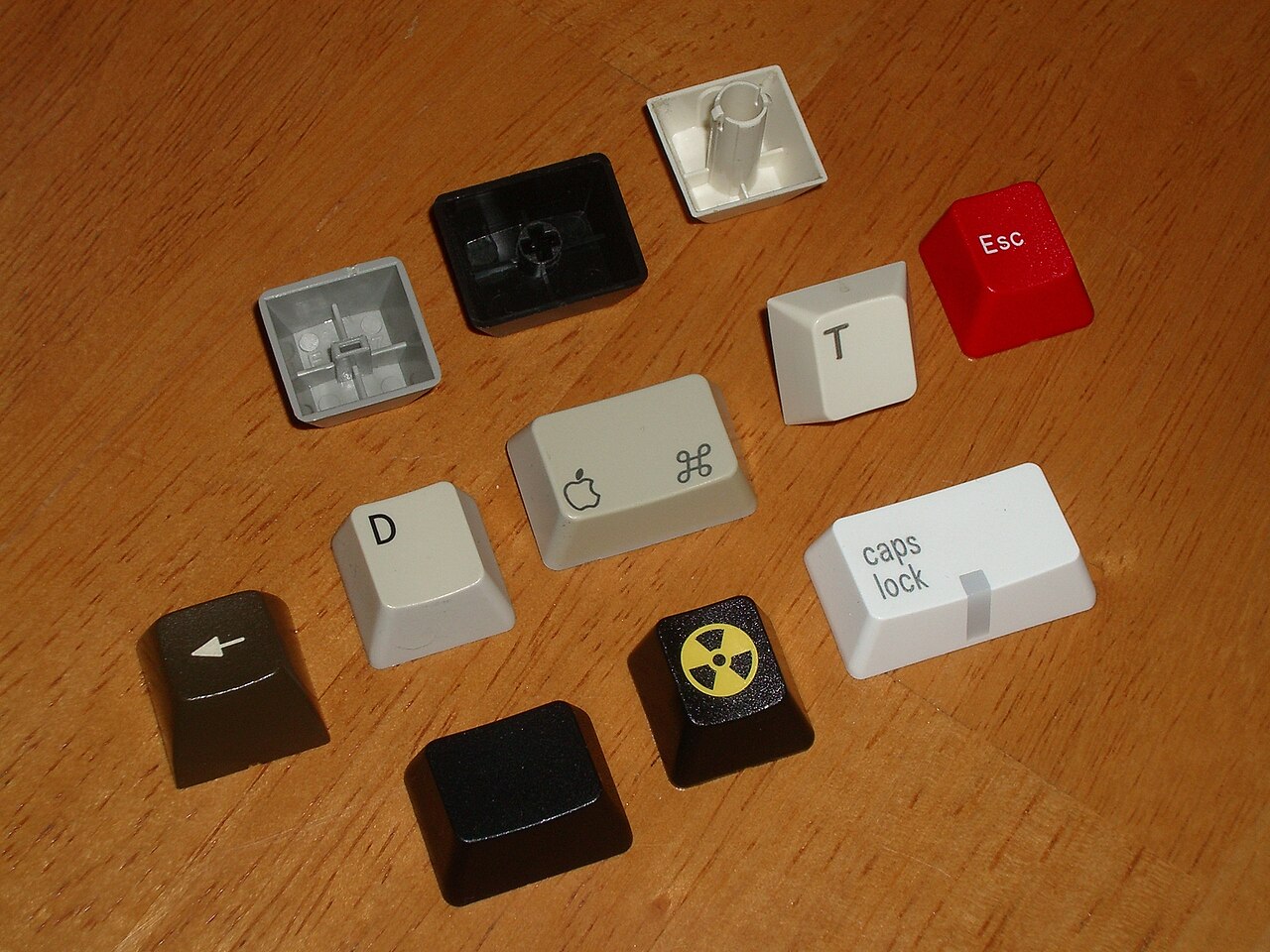
A keycap needs to fit the switch stem, but that is not enough to make a set compatible. Key width, stabiliser positions, row profile and the keyboard’s physical layout all matter. A kit advertised for mechanical keyboards may still leave several keys uncovered on your particular board.
Begin with the exact model and regional layout. Take a clear photograph from directly above and compare it with the kit’s inventory diagram. Do not rely only on a styled product photograph: those often show the most common layout and omit the extra pieces supplied in the box.
Find the unusual keys first
The standard letter keys are rarely the difficult part. Inspect the spacebar, both Shift keys, Enter and the modifiers along the bottom row. Compact layouts often use shortened keys or rearranged navigation positions. A set can contain enough caps in total while lacking the one size you need.
Widths are often described in units, with a normal letter key treated as one unit. That vocabulary helps compare a layout with a kit, but it does not remove the need to check the actual keyboard specification. A spacebar of the right length can still have incompatible mounting details.
Regional differences deserve their own check. An ISO Enter key is not simply an ANSI Enter with another legend. If you need a particular language layout, confirm both the physical pieces and the printed characters. You may be able to type a character through the operating system without having a matching legend, but that is a compromise you should choose knowingly.
Profile and lighting change the result
Some keycap profiles are sculpted by row. Moving a cap to another row may create a step or an unexpected angle, even when it fits the switch. Uniform profiles are more flexible in this respect, but still need the correct widths and mounts. Ask for a complete row diagram if the listing is unclear.
Backlit legends are another separate feature. A cap can fit perfectly yet transmit little light, or place the illuminated legend away from the keyboard’s LED position. Treat photographs of another keyboard as an illustration, not a guarantee of the lighting you will see.
Material labels such as PBT and ABS tell only part of the story. Surface texture, wall thickness, printing method and manufacturing quality also affect feel and wear. Avoid assuming that the more expensive material automatically produces the sound or finish you want.
Install without creating a second problem
Disconnect the keyboard and follow its removal instructions. Use the appropriate puller and take particular care with stabilised keys. Do not remove low-profile or scissor-style caps using instructions written for a different mechanism. A damaged clip can turn a cosmetic change into a repair.
Keep the original set until every replacement has been tested. Check that long keys return freely and that nearby caps do not rub. If a key binds, stop and inspect the mounting rather than pressing harder. Photograph the finished layout and save the kit’s size chart so replacing a lost cap later does not require repeating the whole compatibility search.