Listen to what is being captured
Make a short recording in the application you use for chat. Speak normally, turn your head as you would during play and include a few words with strong p and b sounds. Listen for breath bursts, clipping, room noise and changes in level. These symptoms point to different adjustments.
Confirm that the application is actually using the headset microphone. A laptop’s built-in microphone or a webcam can remain selected even when you hear game audio through the headset. Input and output choices are separate, so correct playback does not prove correct recording.
Put the capsule in the right place
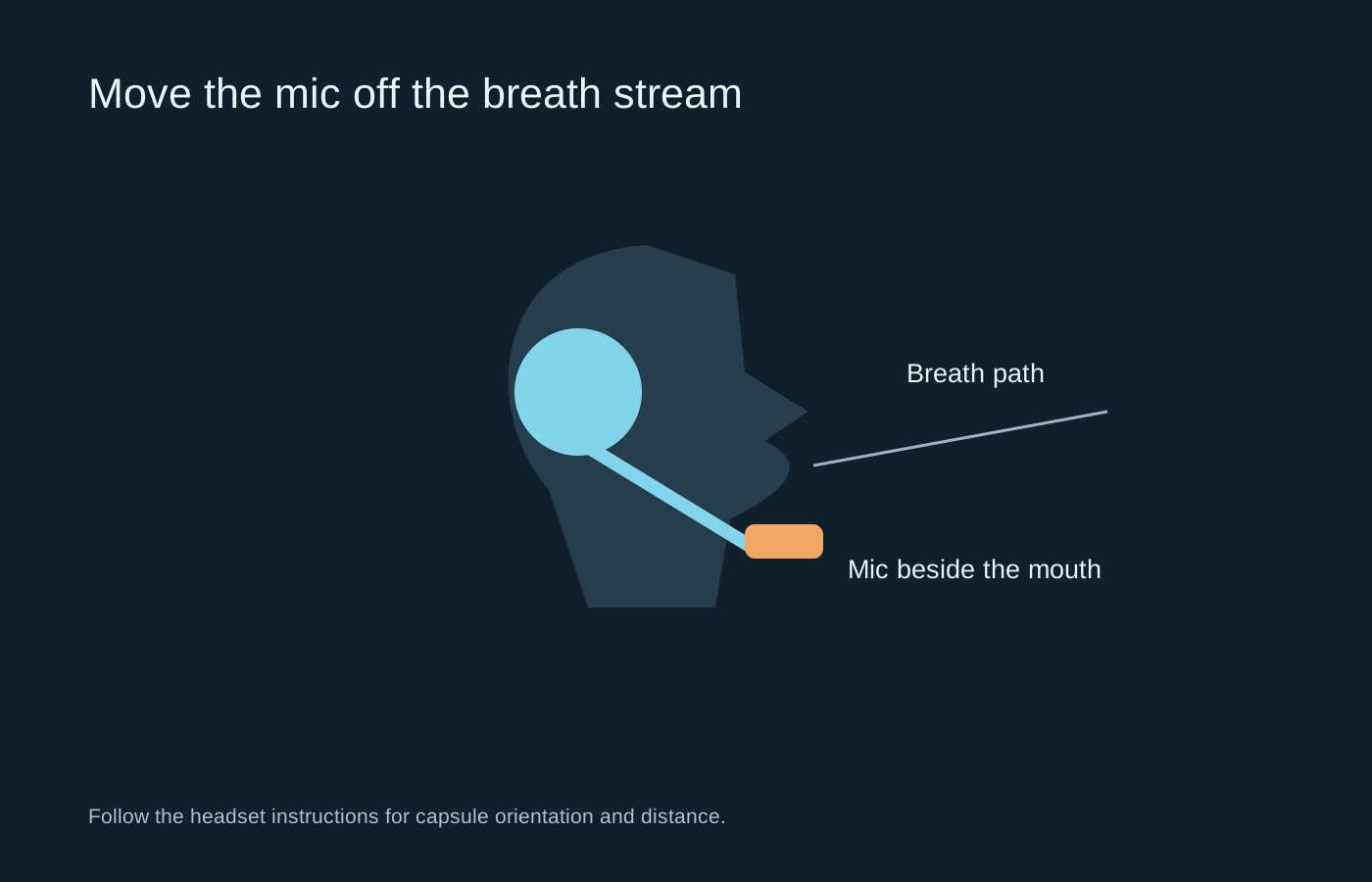
Follow the headset maker’s placement guidance. A boom beside the mouth, out of the direct breath stream, often avoids the popping produced when the capsule sits directly in front of your lips. Check which side of a directional capsule is intended to face you; turning it the wrong way can reduce speech and make you compensate with excessive gain.
Keep the position consistent when adjusting the headband. A detachable microphone also needs to be fully seated in the correct socket. Do not force a plug that does not align. If the headset has a mute switch, test that switch separately from the application’s mute control so you know which state each indicator represents.
Set the level with normal speech
Speak at the volume you would use when another person is in the room. Lower input gain if louder words distort, and raise it only enough to provide clear speech. An automatic level control may change the result after a few seconds; listen through a complete sample rather than judging the first word.
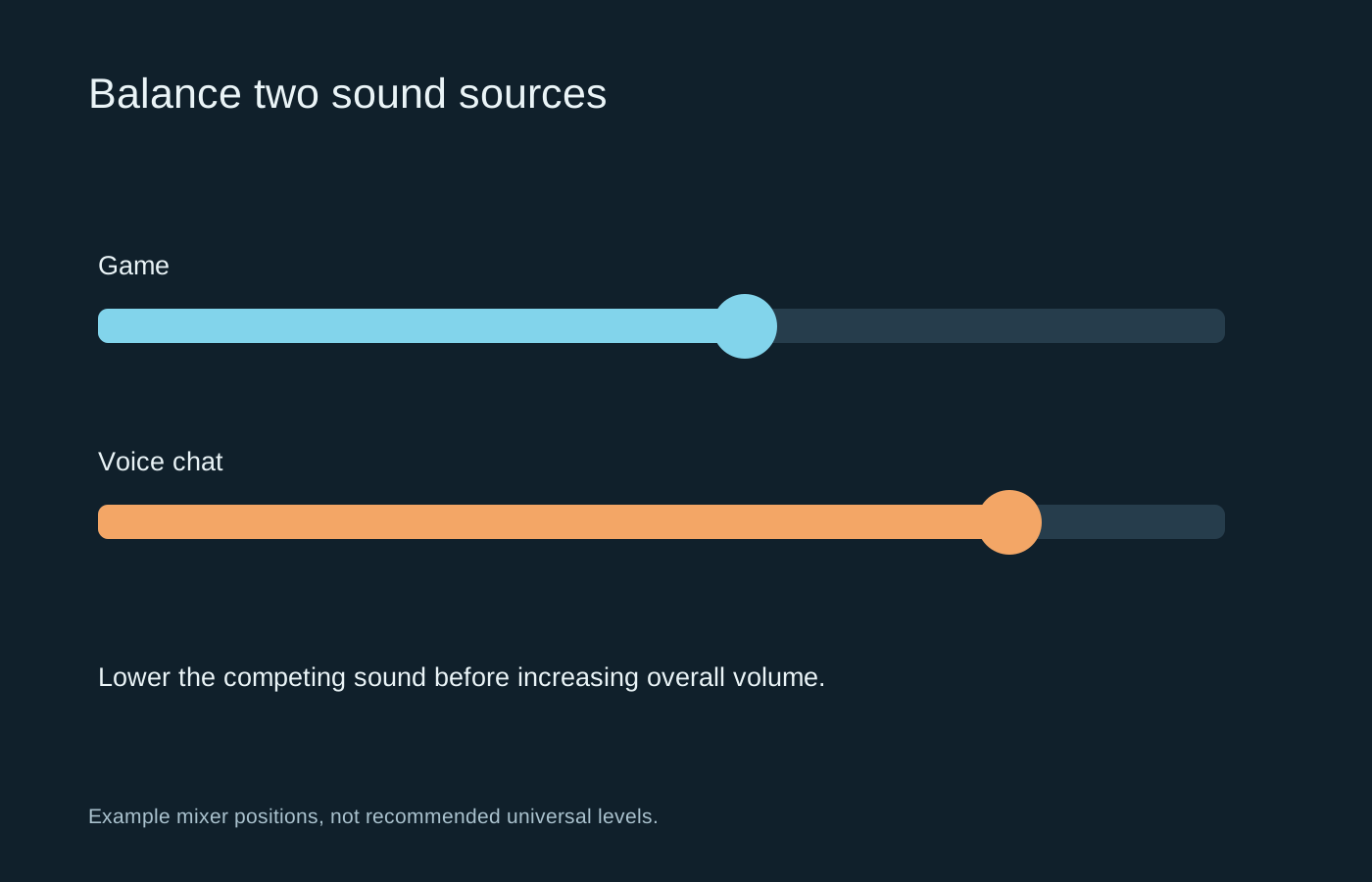
If the microphone is too far away, raising gain can also raise keyboard noise and room sound. Repositioning it is usually the more direct experiment. Avoid copying a percentage from another headset: different microphones and software gain scales make those numbers poor universal targets.
Add processing one feature at a time
Noise suppression, gates and echo cancellation solve different problems. A gate can cut off quiet syllables if its threshold is too high. Strong suppression may turn speech watery or remove the start of a sentence. Compare recordings with one setting changed, keeping the mic position fixed.
If others hear their own voices back, check whether loudspeaker sound is entering the microphone. Use the intended headset output and review monitoring or loopback settings. Do not assume that every echo requires a new microphone.
Finish with a short call or application test at your normal desk. Save the working input device and processing settings. The objective is intelligible, consistent speech; a very loud meter or a long chain of filters is not evidence that the setup is better.