Create the accounts people will actually use
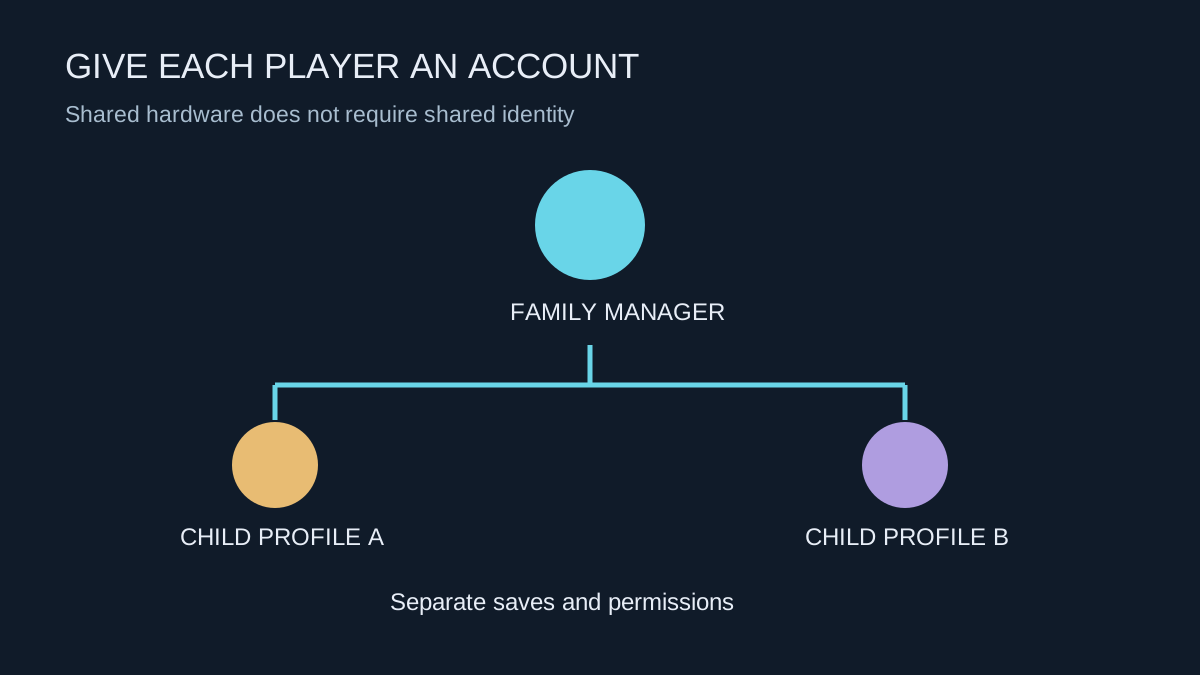
A shared console does not require everyone to share an adult account. Use the platform's family setup and age-appropriate child accounts, with accurate information. This keeps saves, permissions and purchase controls connected to the intended player instead of relying on everyone remembering an informal rule.
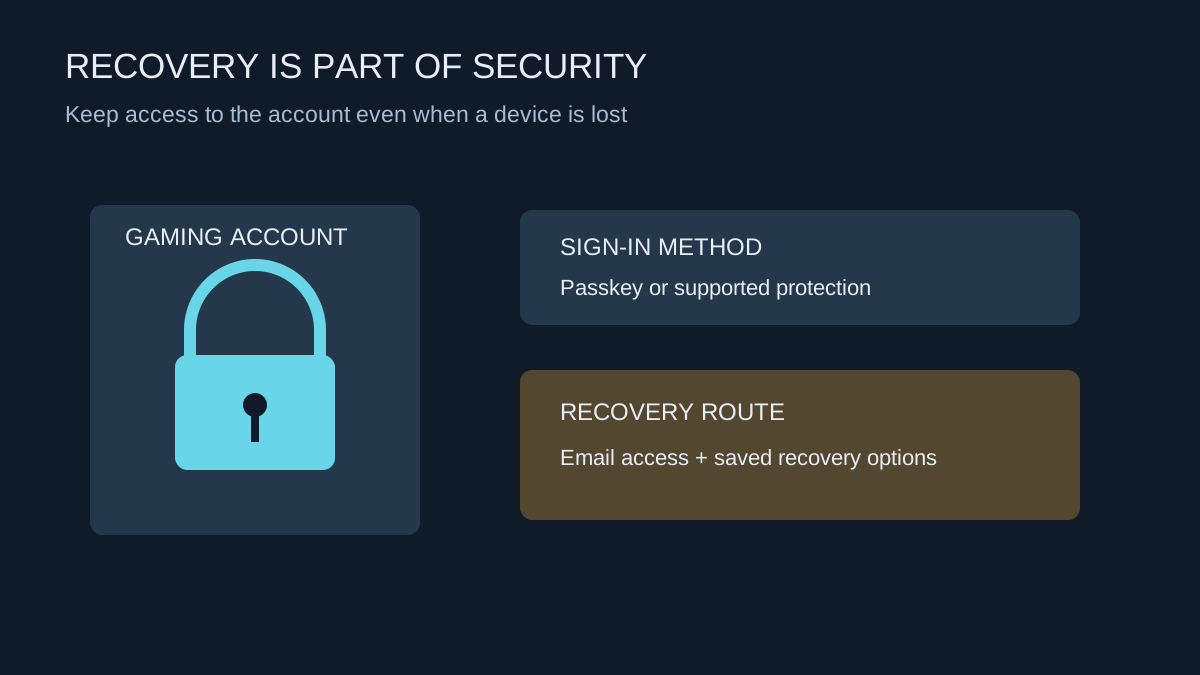
Keep the family manager's sign-in protected. If a child can freely enter the adult profile, restrictions on the child profile may not achieve what you intended. Check the platform's controls for sign-in and guest use, and make sure another responsible adult can access the relevant management arrangements if necessary.
Discuss the settings before applying them
Decide together when play fits around school, sleep and other activities, which games are suitable and how online contact will work. The technical settings should implement an understandable agreement. A sudden unexplained lockout during a match is more likely to create conflict than a limit the player knows about in advance.
Review age ratings, communication, user-generated content and spending as separate questions. A game appropriate in its single-player form may include online chat or player-created material that needs another discussion. A purchase limit does not itself limit communication, and a playtime limit does not establish which games are available.
PlayStation's family-management tools allow settings for individual children. Use that separation when siblings need different arrangements rather than repeatedly changing one shared profile. Check the current platform guidance because available controls and age-related behaviour can differ by region.
Test as the child, not only as the manager
After setup, switch to the intended child profile and try the relevant actions. Confirm which games launch, whether a purchase requires approval and how communication behaves. Test a limit at a convenient time so everyone knows what warning or interruption to expect.
Check local multiplayer and guest behaviour too. A friend visiting the house may use a different profile or controller, and the rules can differ from the child's normal online session. Keep the adult account out of routine play when its permissions would bypass the agreement.
Explain how to ask for an exception. A transparent request process is more useful than teaching a child that the only way to finish an activity is to borrow an adult password.
Check payment and subscription details together
A child account's spending control should be tested against the actual purchase route used in the household. Review saved payment methods and whether an adult account remains signed in elsewhere. Do not assume that setting one profile's allowance changes every device associated with the adult account.
Recurring subscriptions deserve their own review. Write down who owns a subscription, when renewal happens and how it can be cancelled through the official account controls. This avoids treating an unexpected renewal as if it were a new game purchase by a child. Keep the arrangement understandable enough that another responsible adult can manage it without borrowing the player's credentials.
Revisit the arrangement as use changes
A new game, a new friend group or a school holiday can change what settings make sense. Review them periodically with the player rather than leaving the original defaults in place indefinitely. Keep purchase notifications visible to the responsible adult and check recurring subscriptions separately from individual game purchases.
Controls cannot replace conversation about unwanted contact, scams or upsetting material. Show the child how to leave, mute, block and report where the game supports those actions. Make it clear that asking for help will not automatically mean losing all access. The console settings provide boundaries; the continuing conversation explains how to use them.