Separate the current build from the promise
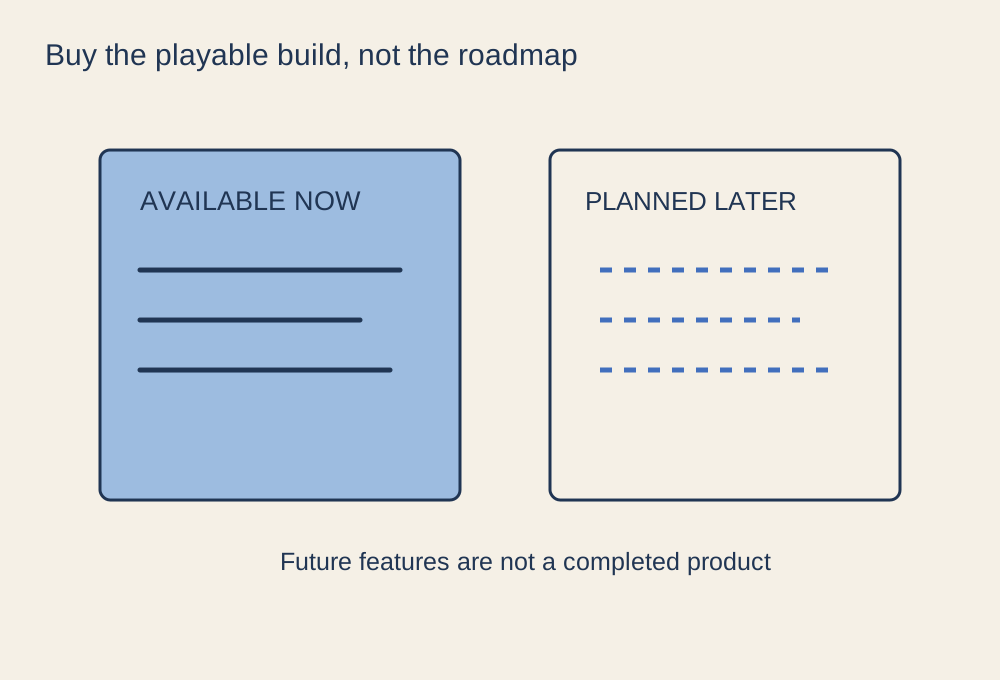
An early-access listing describes a game still in development. Read the section explaining what is available now and what remains unfinished. Look for concrete information about playable modes, content, known limitations and the intended audience. A long feature list can mix implemented systems with planned ones, so identify which claims describe the version you would actually receive.
Steam's Early Access documentation distinguishes selling a playable developing game from selling access to a future release. For a buyer, the useful question is whether the current experience is worth the current price to you. Do not depend on an estimated release date or an ambitious roadmap to make an otherwise unsuitable purchase worthwhile.
Read the history as well as the latest announcement
Look at update notes over a reasonable period. They can show what has changed, whether known issues are acknowledged and how the developer communicates delays. Frequency alone is not a complete measure: small daily patches and occasional substantial updates are different development patterns. Focus on the information relevant to your concerns rather than treating any quiet week as proof of abandonment.
Check whether saves may be reset or become incompatible during development. That matters if you plan to invest heavily in a persistent world or character. Find out whether multiplayer depends on official servers, community servers or hosting by a player, and whether the version currently supports the group you want to play with.
Match the risk to your reason for buying
If you enjoy testing unfinished systems and reporting reproducible problems, early access may be part of the appeal. If you want a stable campaign to finish with friends over a particular weekend, missing content or changing balance can be a poor fit. Neither preference is wrong; the listing should let you recognise which experience you are buying.
Read recent feedback in the context of the build being discussed. A review written before a major update may describe a different state, while a short enthusiastic comment may say little about the mode you need. Use official patch notes to verify whether a reported feature or fix has actually been released.
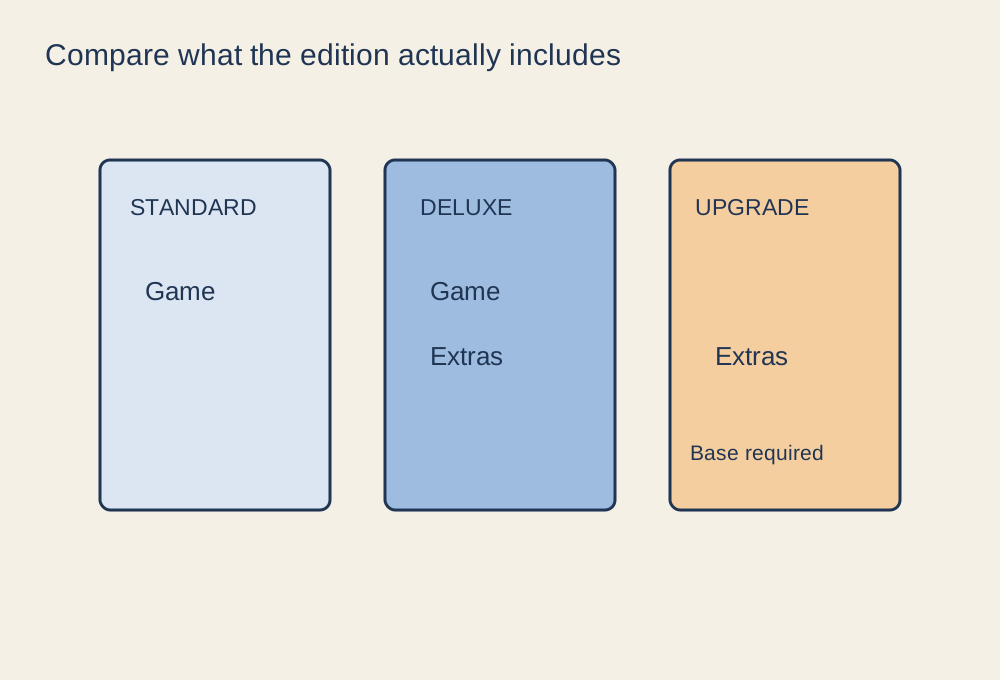
Before checkout, confirm the platform requirements, included content and store refund conditions. Do not assume that the early-access label guarantees a finished version, a particular price path or an exception to ordinary purchase terms. If the decision depends on a feature that is still planned, waiting until it exists is a clear and reasonable choice.