Separate transfer speed from playing quality
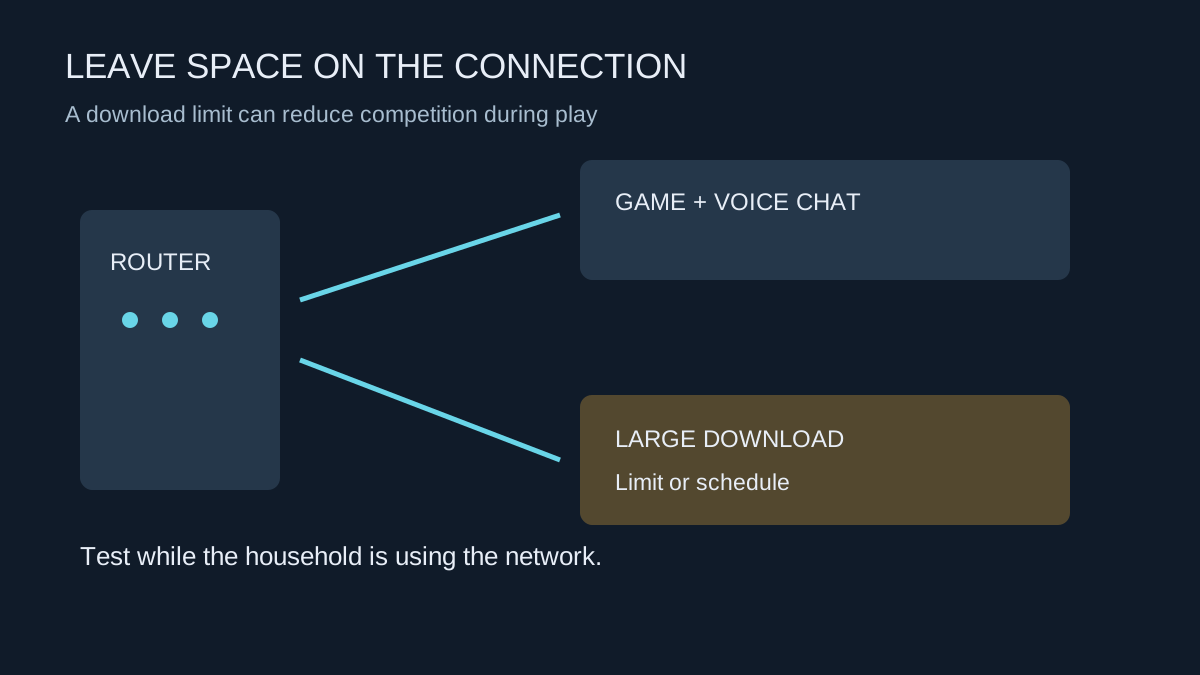
A large game download wants to move as much data as possible. An online match and voice conversation care about timely delivery as well as capacity. When the connection is busy, a download can compete with those smaller time-sensitive exchanges. A fast headline broadband package does not guarantee that this competition will never be noticeable.
Start by testing a familiar online game with downloads paused. Then resume one known download and compare the in-game connection indicators and the experience. Include uploads in the investigation: a cloud backup or live stream elsewhere in the home may matter even when your launcher is quiet.
Use a limit you can test
Many launchers provide bandwidth limits or download scheduling. Set a limit below the connection's measured available capacity and test it while other household activities are running. There is no universal percentage that is correct for every service and router. The useful setting is one that leaves the household working acceptably while still finishing the download in a reasonable time.
Check the units before entering a number. Megabits per second and megabytes per second are different units; eight bits make one byte. A launcher showing MB/s and an internet package advertised in Mb/s can therefore display very different numbers without a fault. Protocol overhead and changing conditions also keep real transfers from matching a simple theoretical conversion exactly.
Schedule particularly large updates for a time agreed with other users. A plan that starts every download when someone begins a video meeting has not solved the shared-connection problem. Check whether the launcher permits downloads during gameplay and choose the behaviour you actually want.
Avoid changing unrelated network settings
Changing DNS is not a general way to create more connection capacity. Likewise, opening ports is not an answer to a download saturating the link. Begin with scheduling, a measured limit and the router manufacturer's documented traffic-management options if necessary.
If a download is slow even when the connection is otherwise quiet, inspect the launcher's region and status, local disk activity and the service's support guidance. Downloading, decompressing and writing files can happen in stages. A low network reading while the disk is busy does not automatically mean the internet service is failing.
Keep a working setting for ordinary evenings and adjust it when a time-critical update needs priority. Let the household know before removing the limit. A predictable agreement often makes a more useful improvement than repeatedly chasing the largest number in a speed test.