Wide support is not universal support
An ultrawide display can show a broad view in a supported game, but not every title handles that shape in the same way. Some render wider scenery, some place black bars around a narrower image, and some have interface or cutscene limitations. Check recent information from the developer or a reliable demonstration for the specific games you intend to play. A desktop screenshot filling the panel does not prove that every game does.
Avoid assuming that an unsupported game should be stretched to fill the screen. Stretching can distort people, circles and interface elements. Letterboxing or pillarboxing may be the intended behaviour. Unofficial fixes can have compatibility or anti-cheat implications, so do not make them an assumed part of a purchase plan.
Count pixels and check inputs
Compare the native resolution with your current display. An ultrawide at a similar vertical resolution may still ask the graphics card to render substantially more pixels because of the additional width. Look at performance in your actual games and the settings you are willing to use. A wide view is less appealing if reaching it requires image-quality changes you dislike.
Check the connection table for the desired refresh rate and adaptive-sync support. If you will also connect a console, verify its supported output shapes and how the monitor displays them. A console may use a standard widescreen image with unused space at the sides even though the PC can use the whole panel.
Fit the curve and the stand
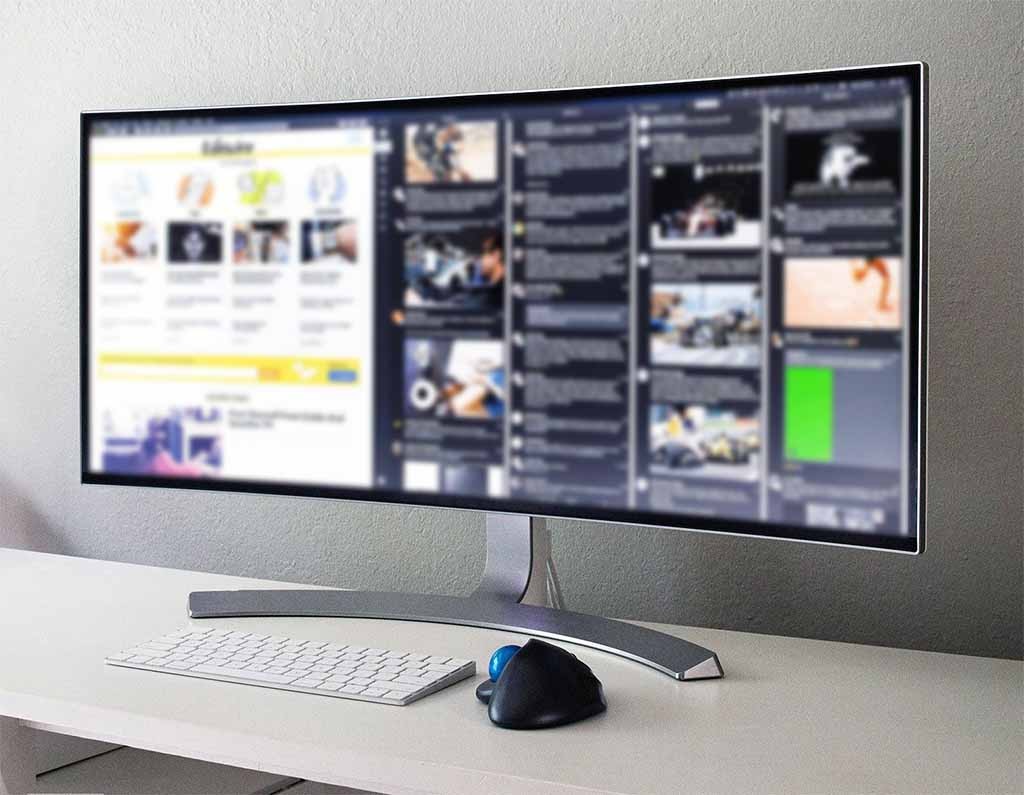
Read the physical width and depth rather than relying on diagonal size. A curved screen and large stand can occupy more of the desk than a front photograph suggests. Leave room behind it for cables and adjustment. A monitor arm needs to support the specific weight, mounting pattern and screen geometry; diagonal compatibility alone is insufficient.
An ultrawide is also not identical to two independent displays. Full-screen gaming may occupy the entire screen, and a game can react differently to focus changes than a desktop application. If your real goal is keeping chat visible beside a game, test windowed layouts or compare a second-monitor arrangement. Choose the wide panel for an experience your software supports, rather than expecting it to solve every multitasking problem.