Write down the configuration before testing
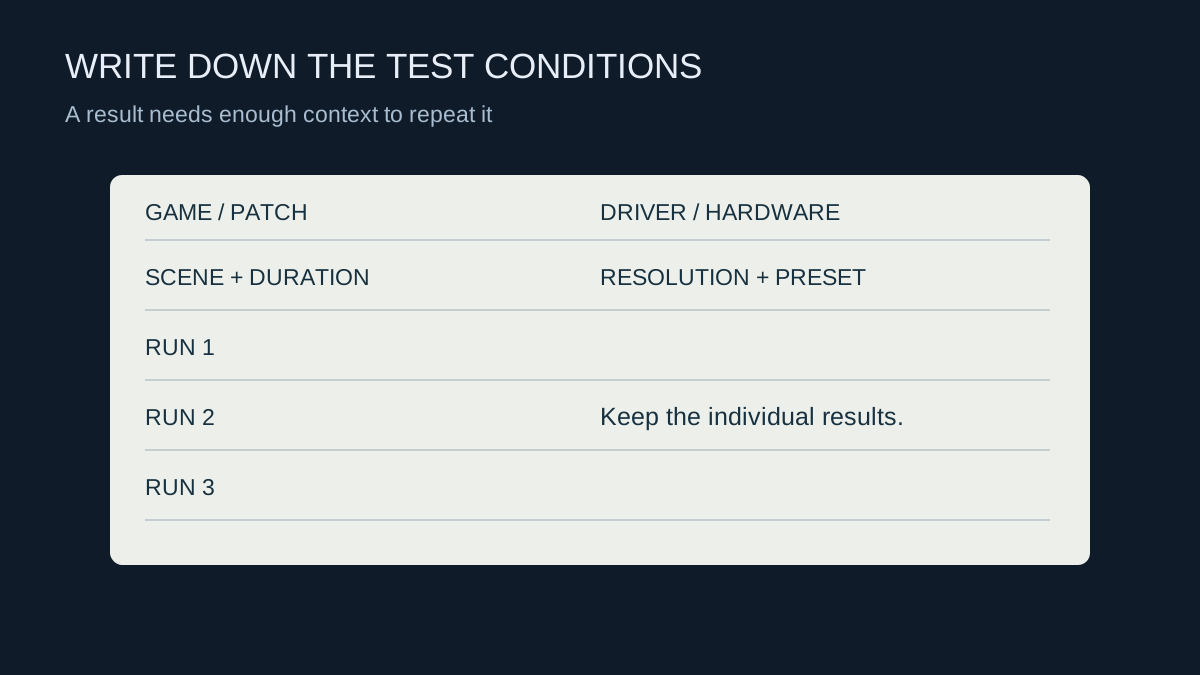
A frame-rate number without a game version, scene and settings is hard to interpret. Note the CPU, GPU, memory arrangement, driver version and relevant power mode. Include the output resolution, internal rendering or upscaling mode, graphics preset, frame limit and whether generated frames are enabled. These details can change the meaning of the result.
Choose a repeatable section of the game. A built-in benchmark is convenient, but it may not represent the part you actually play. A saved route through a demanding area can be useful if you keep the camera movement and duration reasonably consistent. Avoid comparing a quiet indoor scene with a busy outdoor encounter.
Keep the runs comparable
Let initial shader preparation complete and note whether a run is the first after a software change. Keep background downloads and recording settings consistent. If recording is part of your normal use, include it in both sides of the comparison rather than turning it off only for the configuration you hope will win.
Run the test more than once and retain the individual results. For an invented example, results of 98, 100 and 99 frames per second tell a different story from 80, 100 and 119, even though both average 99. The wider spread deserves investigation before attributing a small difference to a component upgrade.
Temperature and power behaviour can change during a longer session. Note whether the system was cold or already warmed up. A short burst on a laptop may not represent performance after half an hour at the same settings.
Record the experience as well as the average
Average frame rate can hide brief pauses. If your tool provides frame-time information or low-percentile metrics, keep the tool and calculation method consistent. Do not compare values with similar labels from unrelated tools as though they must use identical definitions.
Write down visible issues: tearing, uneven motion, missing detail or an input delay that matters to you. A faster result obtained by making the image unacceptable is not automatically a better setup. Save screenshots of settings beside the results, then change only one variable for the next comparison. The notes should make it possible to explain what changed weeks later, without relying on a memory of which preset looked best.